SMM 2016 OSV Design Optimization Challenge
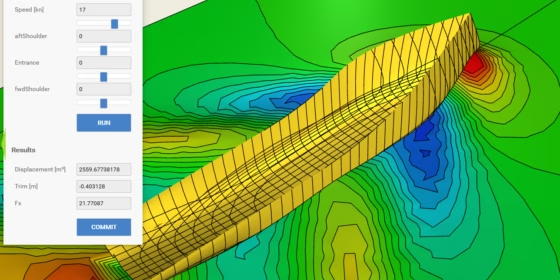
The world’s leading maritime trade fair SMM 2016 is currently taking place in Hamburg, Germany. This year, we decided to go there, and run a competition for the optimization of a ship hull design. We have picked a demo offshore supply vessel (OSV) geometry, where SMM attendees can change the hull design manually by a selected set of parameters, calculate hydrostatic values for this new design and run a CFD simulation. The CFD computation returns a characteristic performance value (the drag force in longitudinal direction) which needs to be minimized. In addition, some constraints need to be fulfilled, such as the minimum displacement. The “designer” of the best ship hull finally wins the challenge and a nice price. Here is a short video that demonstrates it:
A Short Walk-Through
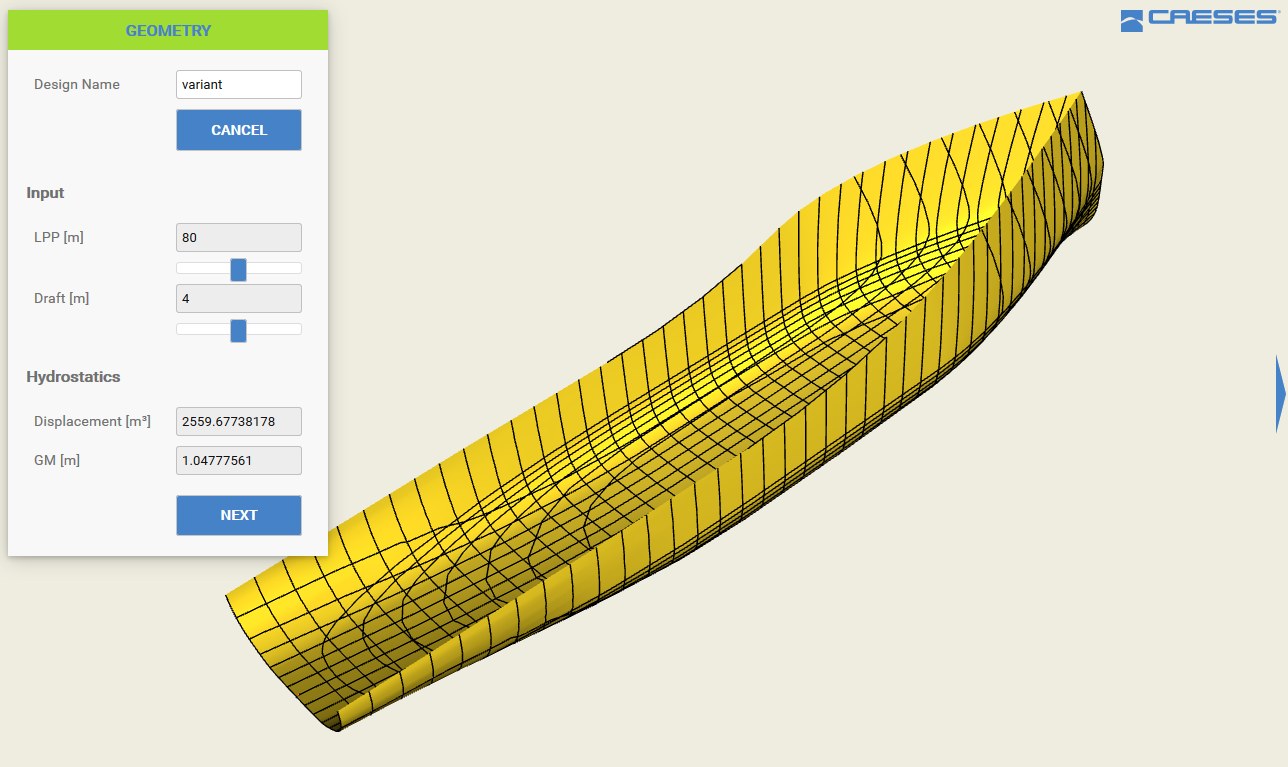
We have set up a web-based application that can be run in a browser on an iPad, while both the geometry regeneration in CAESES® and the CFD analysis run on a remote machine. In the first step, the participant enters a name for the design candidate:
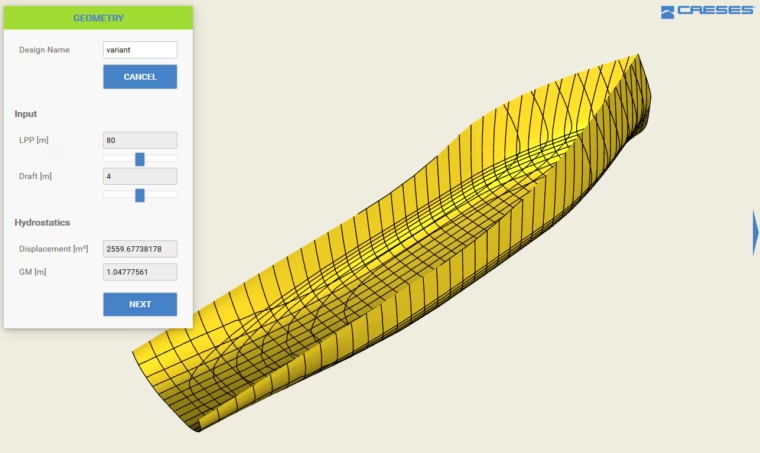
Browser interface: Start a new design candidate and enter a name
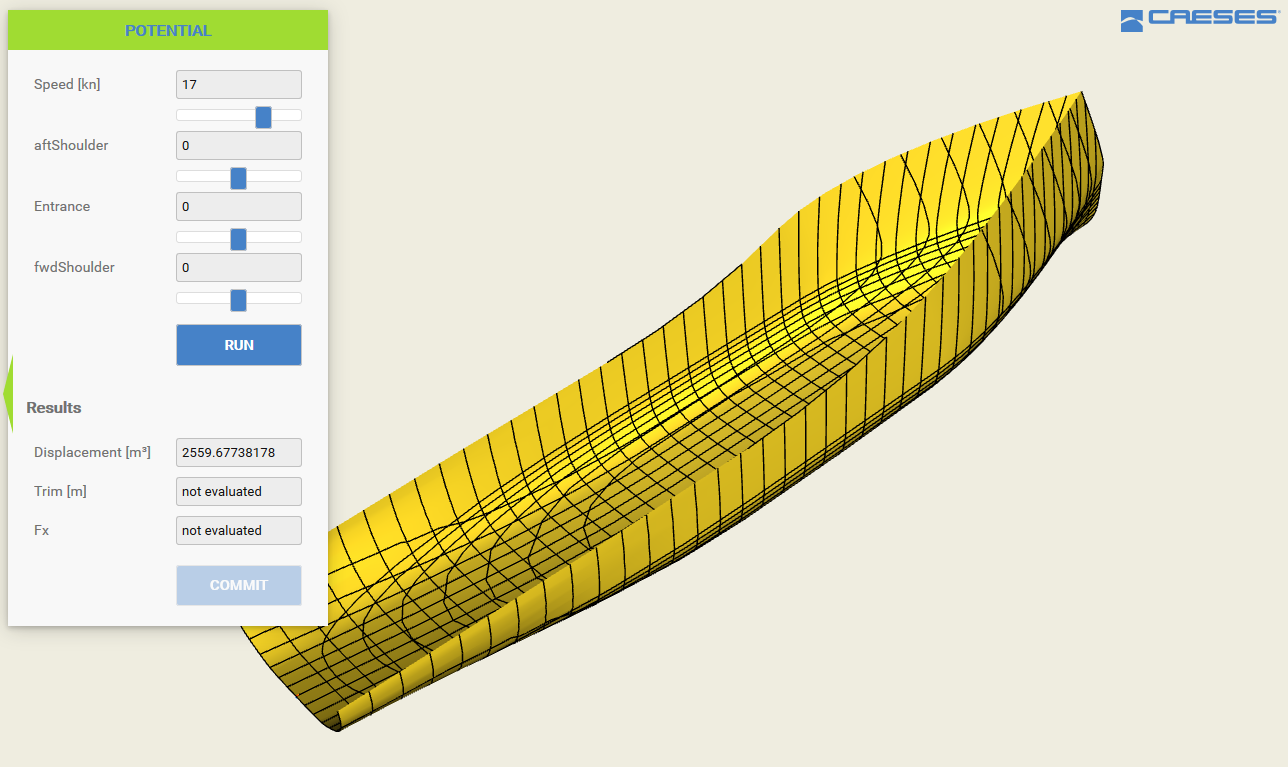
In the second step, one can change the shape of the entrance, as well as the position of the forward and aft shoulders, of the ship hull. The ship hull immediately adjusts to the new values, i.e., a new geometry is generated and shown in the browser.
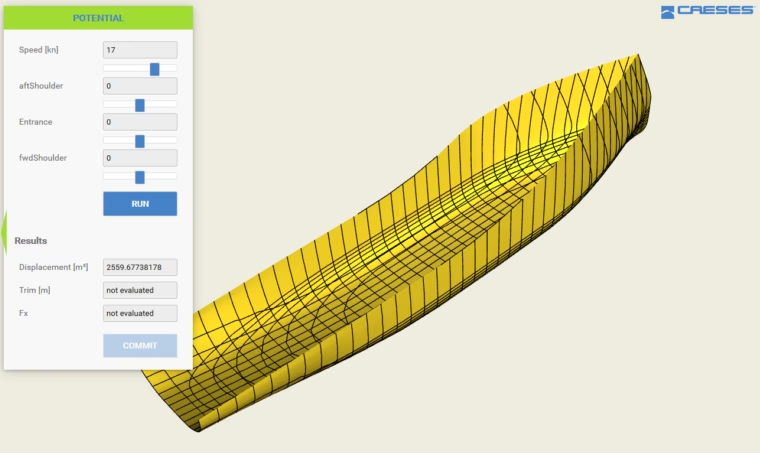
Creating a new shape by changing the design variables
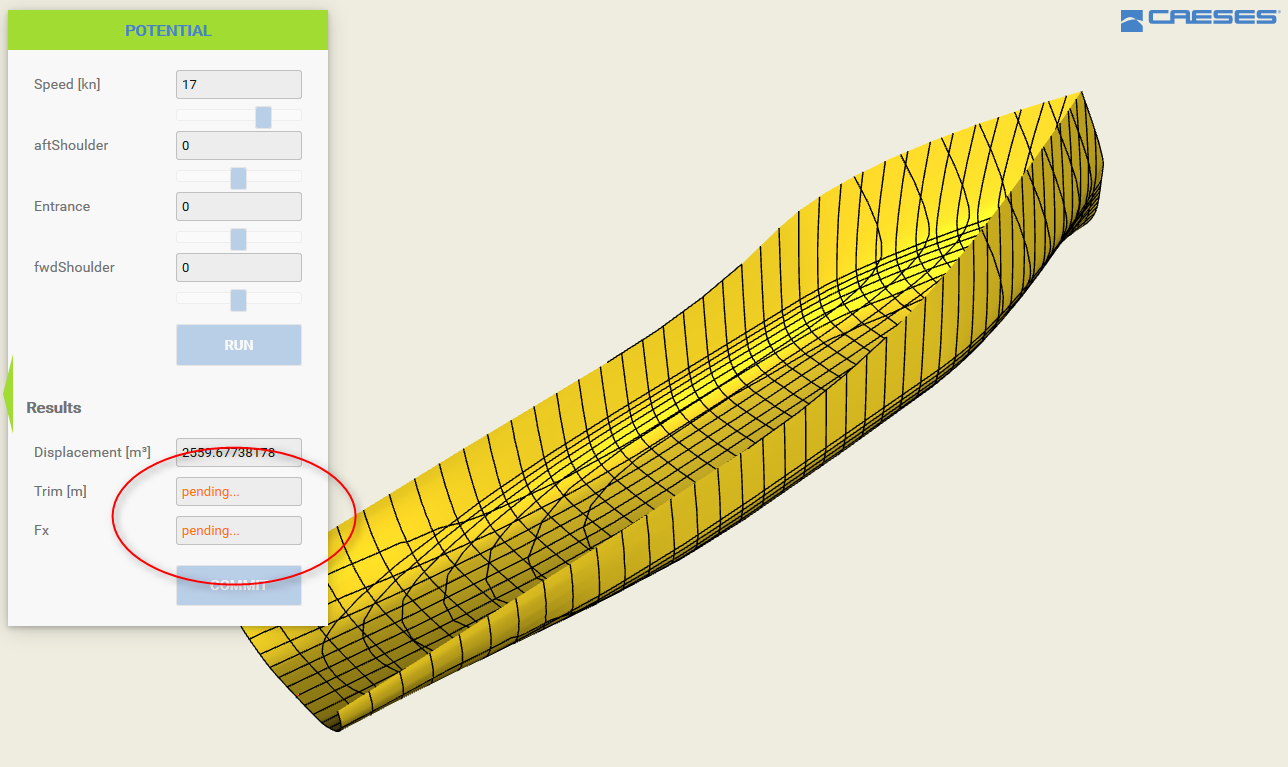
While changing the design variables, the hydrostatic calculation is triggered in CAESES®, and the results are displayed in the interface. If the displacement is ok (it needs to be larger than a given lower limit), as well as the metacentric height is large enough, the participant can press the “RUN” button to start the CFD simulation. For this demo model, we prepared a simple potential flow CFD setup that returns results very quickly. We used the CFD code ν‑SHALLO from HSVA. When running the CFD, a “pending” state is indicated in the interface:
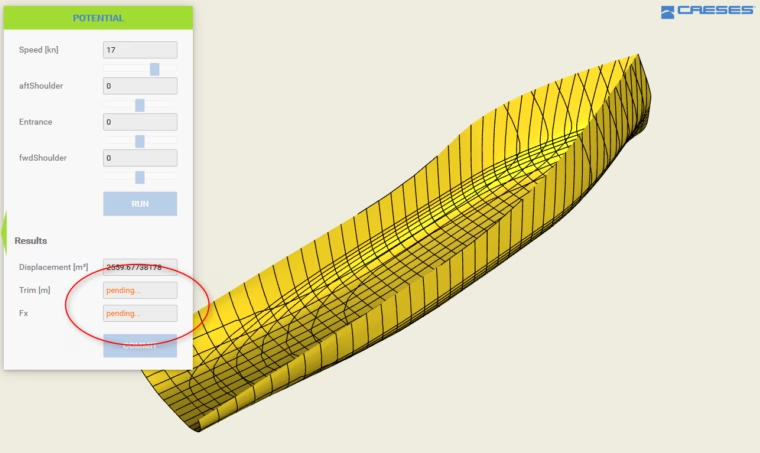
Pending state: Waiting for the CFD results
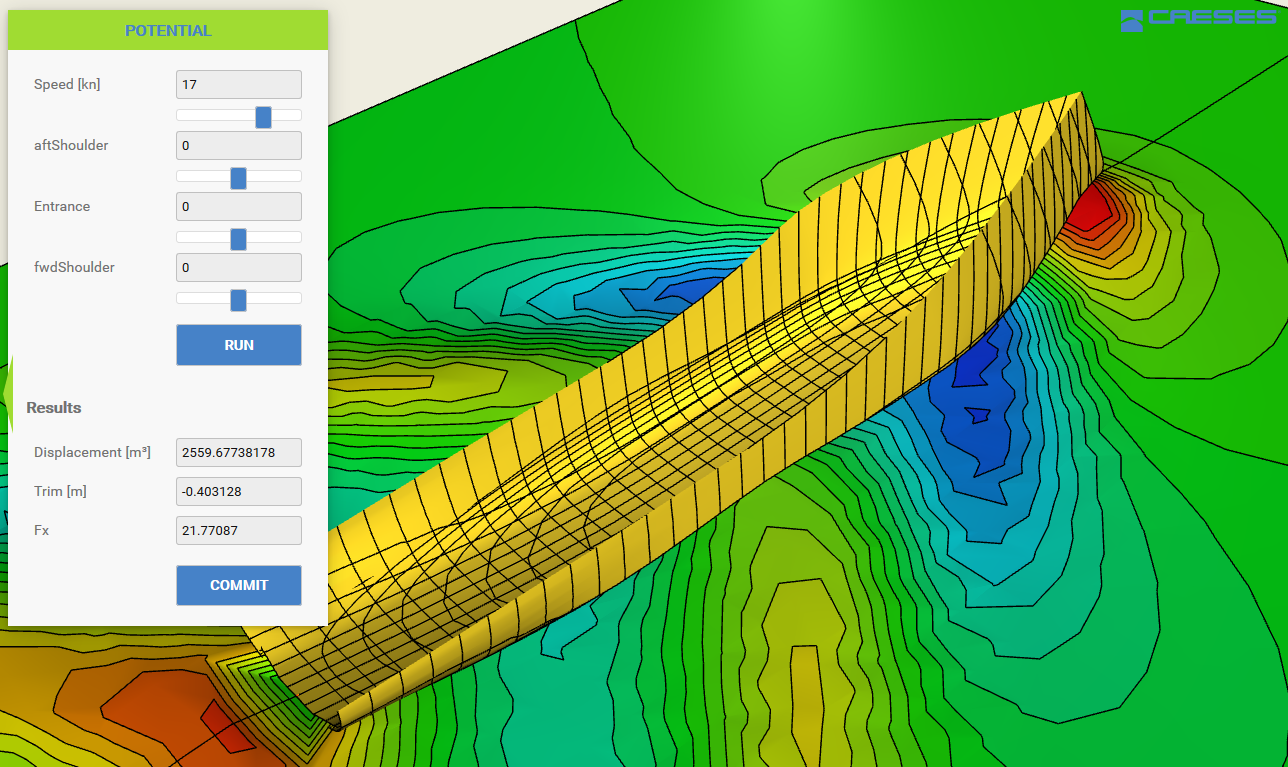
As soon as the simulation has finished, the numerical results and the post-processing data is returned to the interface for an assessment:
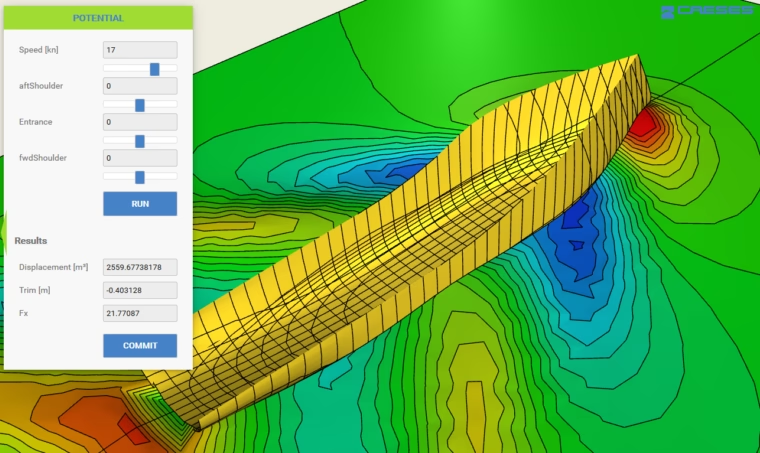
Postprocessing of the CFD results
After committing, the results are stored in the project’s data base, where we track the hydrodynamic performance of all generated ship hulls. The competition is still running and we are eager to see who is going to win this challenge. You want to try it out? Watch out for the FRIENDSHIP SYSTEMS guys with an iPad …
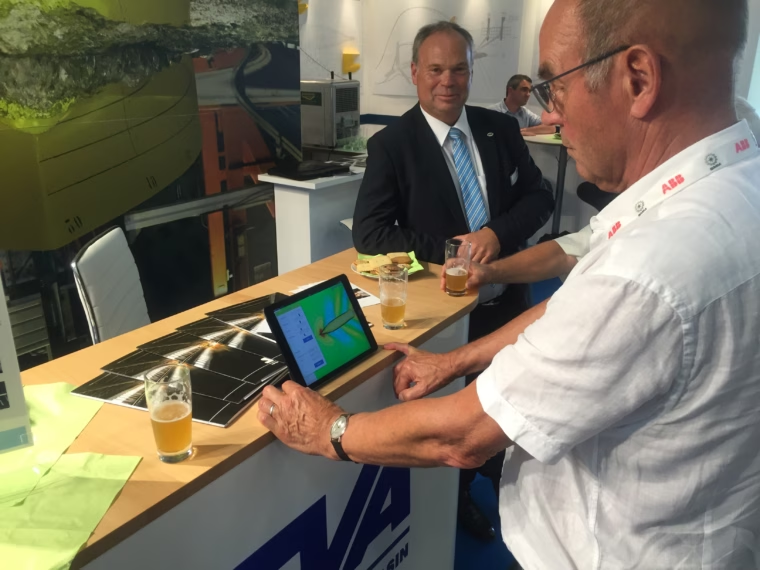
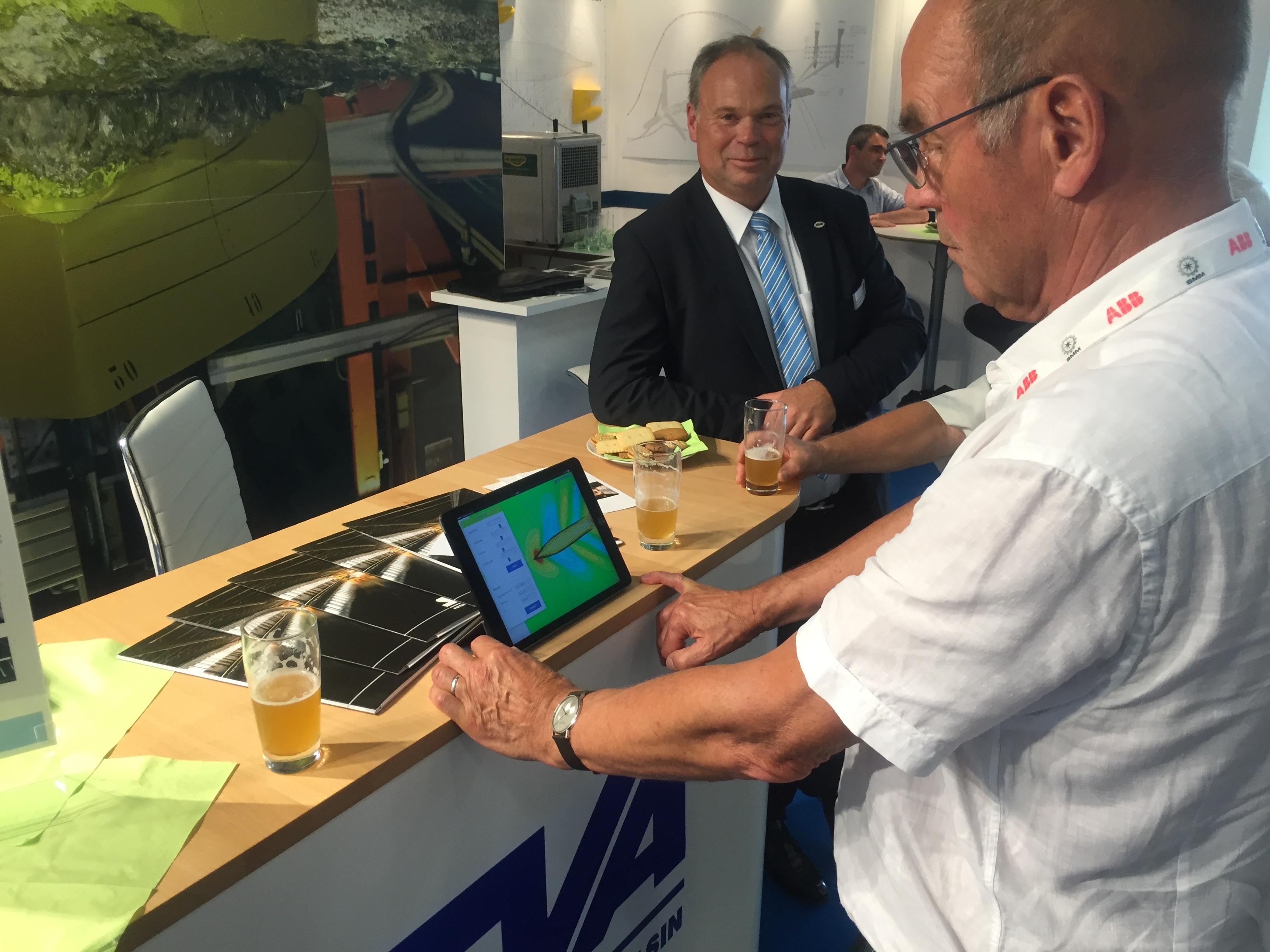
Optimized flows with beer and CAESES 😉
More Information
Just get in touch with us if you want to meet us at the SMM 2016, or if you are interested in further details. More information about CAESES® can be found on our product pages.