We have released version 4.1.2 of our
Upfront modeling and optimization software
CAESES® and
CAESES® Free. A short summary of the most important changes and improvements can be found below. All details about new features, changes and bug fixes can be found in our
changes log.
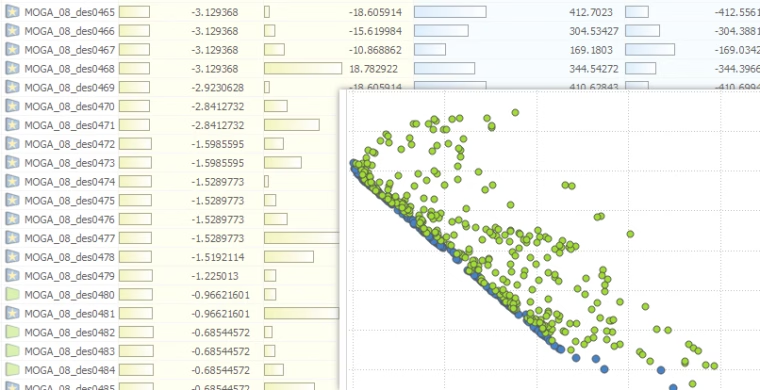
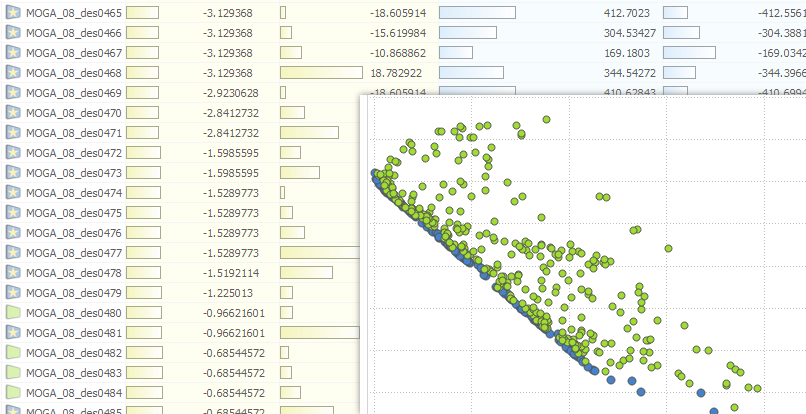
Best Designs and Pareto Frontier
With version 4.1.2, we make a major step forward in visualizing the best designs of a run, including the possibility of having Pareto frontiers. The best designs of a run are marked with a new icon, showing a star on a blue background, for quick visual detection of these designs. More information is available in the corresponding
Pareto frontier blog post.
Design Export
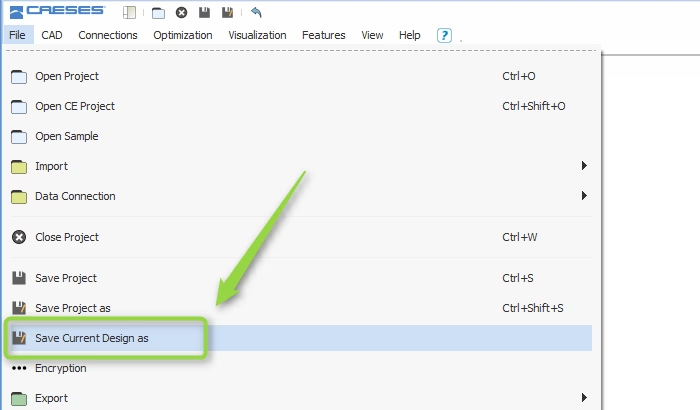
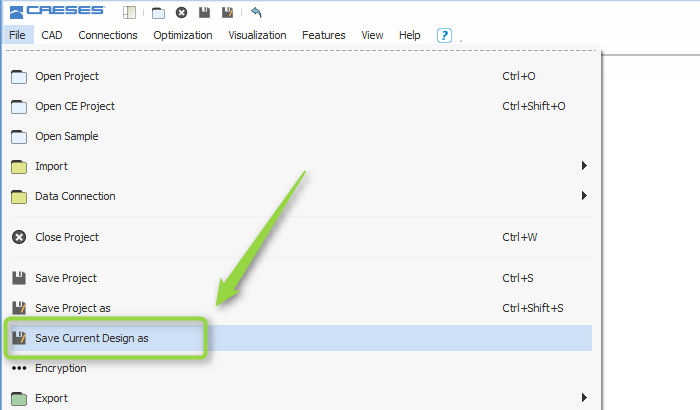
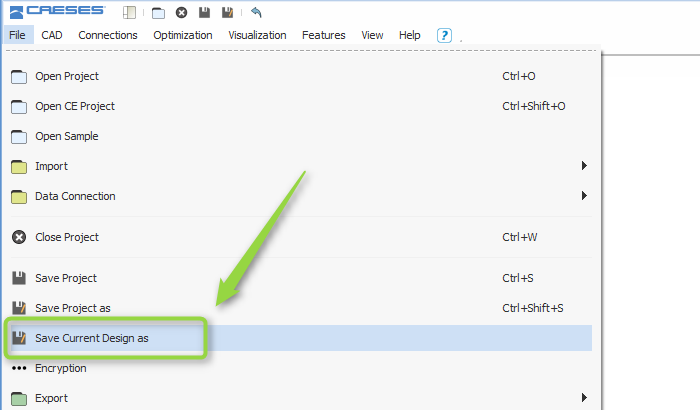
Users can now export a generated design directly from the design tree into a separate CAESES
® (*.fdb) project. This is handy to continue work on a good design that has been found during a design study or an optimization. Simulation results from the current design of a run are optionally transferred to the new project.
New Export for CONVERGE Users
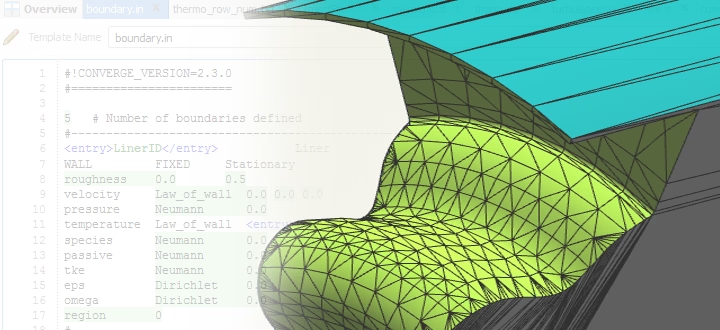
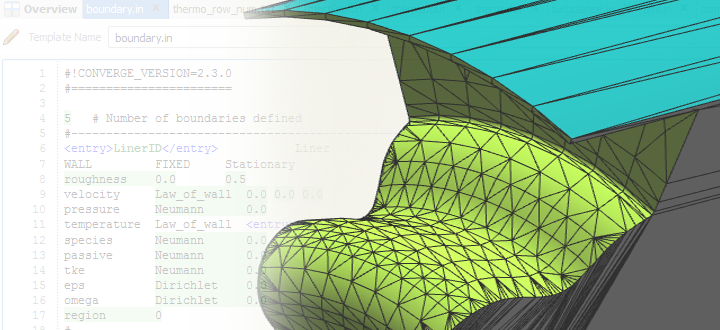
We have added a new export format for users of the CFD software CONVERGE from Convergent Science. This had been a request from automotive CFD engineers in the context of diesel piston bowl optimization. Details are given in
this blog post.
Improvements for Adjoint CFD
CAESES
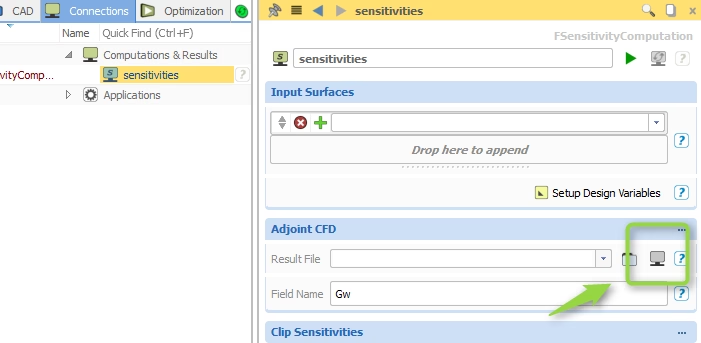
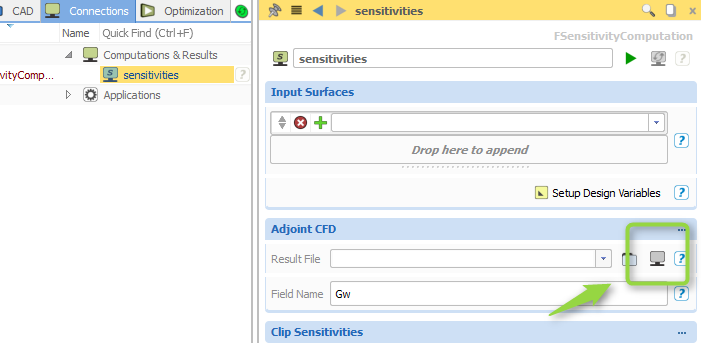
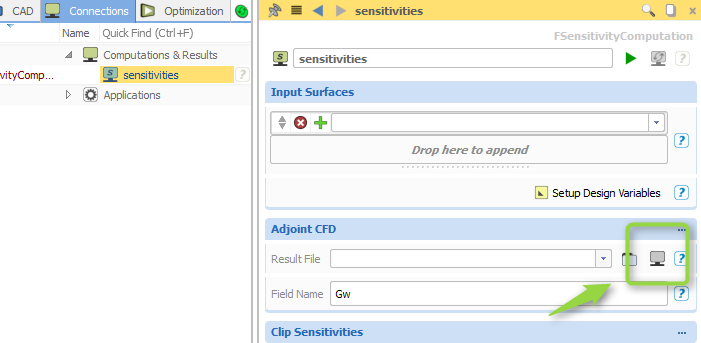
® is able to consider Adjoint CFD results from various simulation packages, to map them to the free variables of the parametric model. With this, users can find the most important model variables, but also run efficient automated shape optimizations. In version 4.1.2, Adjoint CFD results from a software connector can be directly set as input for the CAESES
® sensitivity computation. This makes it very easy to automate the process of considering Adjoint CFD results in an optimization. The gradient information from the Adjoint CFD is now also transferred in an optional subsequent gradient-based search. As a further improvement for generating the parametric sensitivities, we have developed a new way of setting up the design variables where users enter the maximum absolute model change.
New Methodology for Shifts and Free Form Deformation
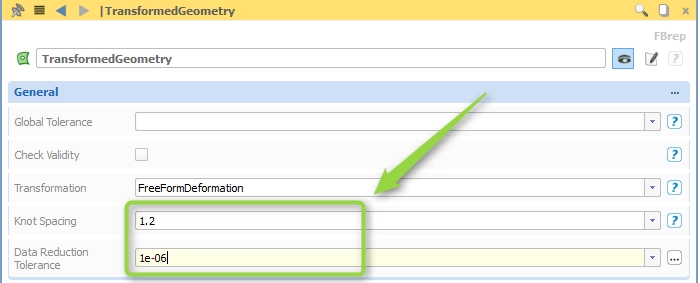
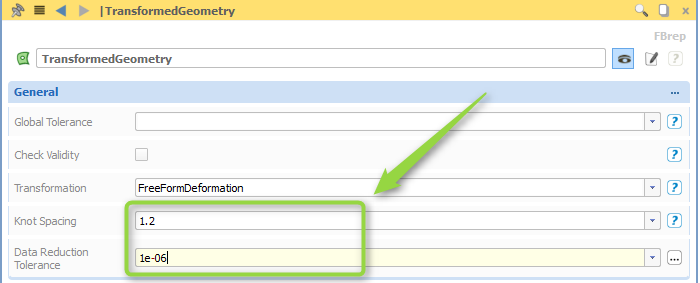
Shift transformations such as the Generalized Lackenby or the Free Form Deformation are applied now to BReps by using a new approach. Instead of moving the surface directly, the control vertices of the underlying NURBS surfaces and curves are transformed. This makes it perfectly robust and increases the performance. The number of control vertices of the internal NURBS geometries is a critical quantity and can be increased for a higher accuracy by a new attribute. Once the transformation has been applied, the number of control vertices can also be optionally decreased again where an accuracy tolerance controls the data reduction process. We added this possibility to reduce the amount of data as a general attribute for BReps, to give our users a way of creating light-weight models that perform quickly while a specified accuracy is still met.
New Fillet Surface Methods
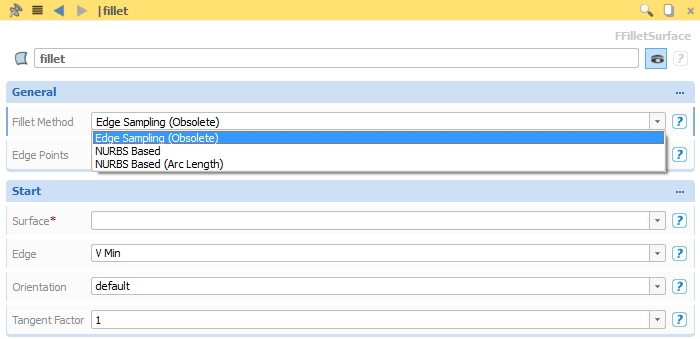
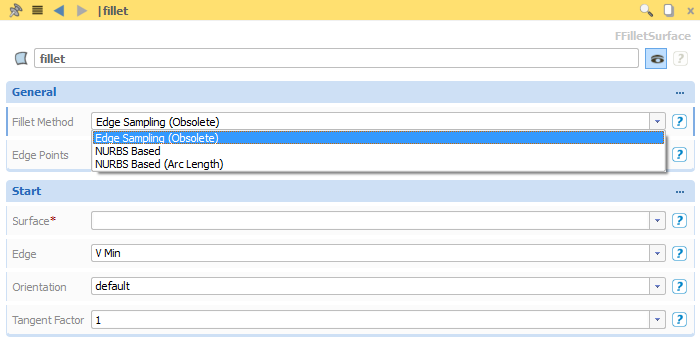
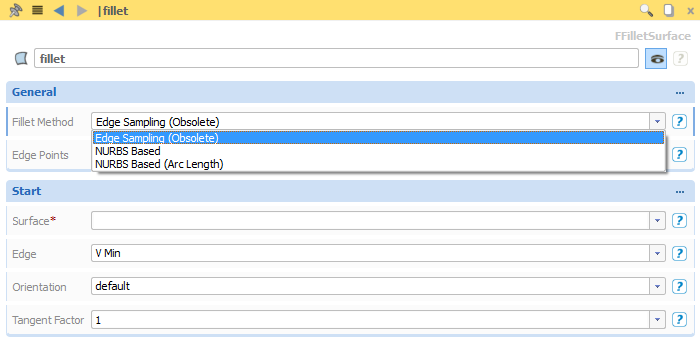
We have added new methods for the generation of fillet surfaces, the smooth transitions from one surface to another. The original method is called
“Edge Sampling” and is tagged as obsolete. It will be replaced by the new methods in one of the next versions. The new methods take into account the underlying NURBS structure of the two input surfaces. Optionally, the parameterization of the resulting fillet surface can be controlled with an
“Arc Length” setting. This makes the fillet independent from the input and allows users to create more uniform fillet surfaces.
Effective Feature Programming Language
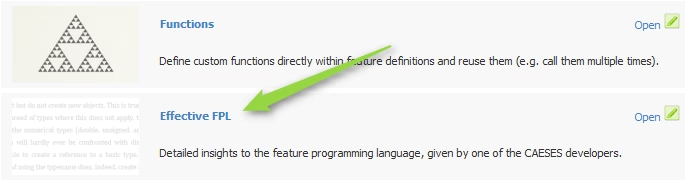
Writing your own functions, curve types, proprietary imports/exports and much more: Features are the most powerful functionality in CAESES
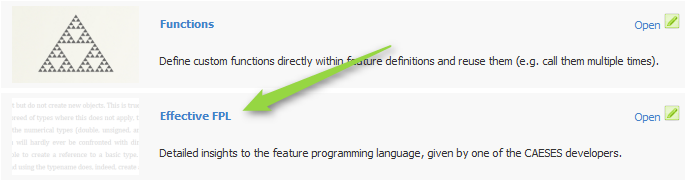
®. There is a new PDF document in the tutorial section of CAESES
® that gives a comprehensive introduction to writing feature definitions. General syntax, control statements (loops, if, break…), types, nested features, debugging, snippets, best practices and examples — everything gets covered.
Demo Model Impeller
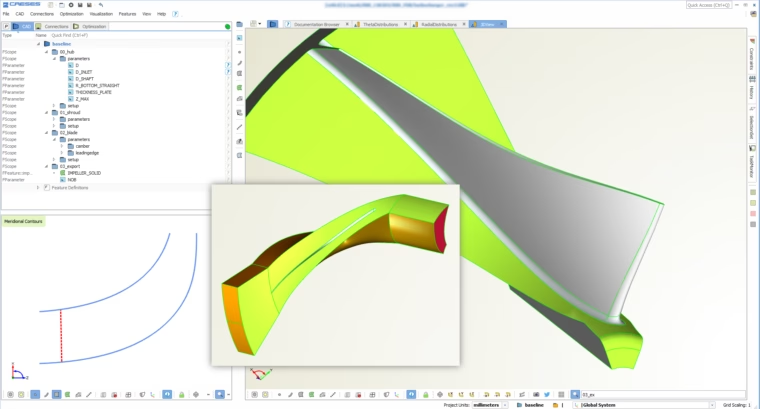
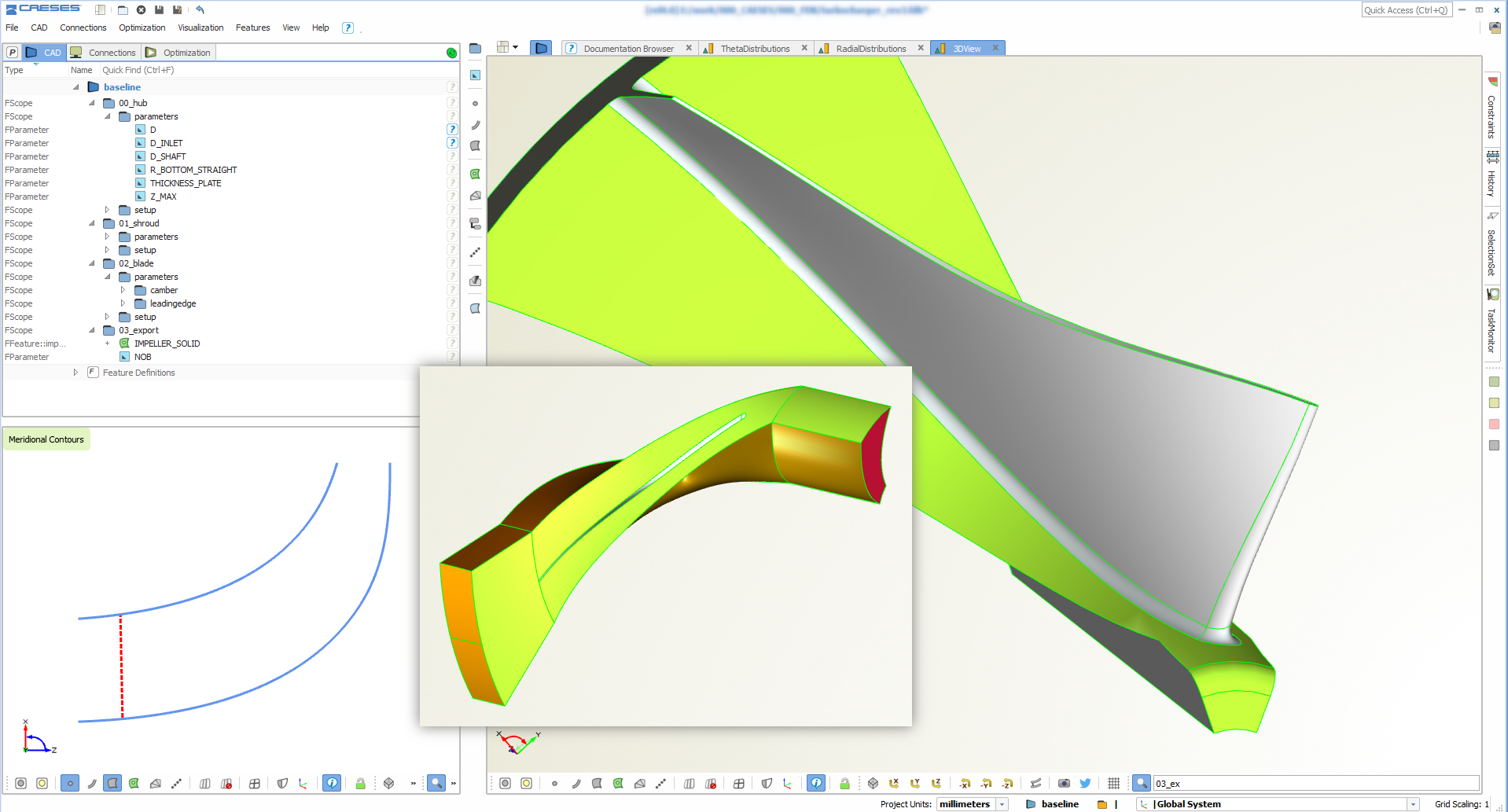
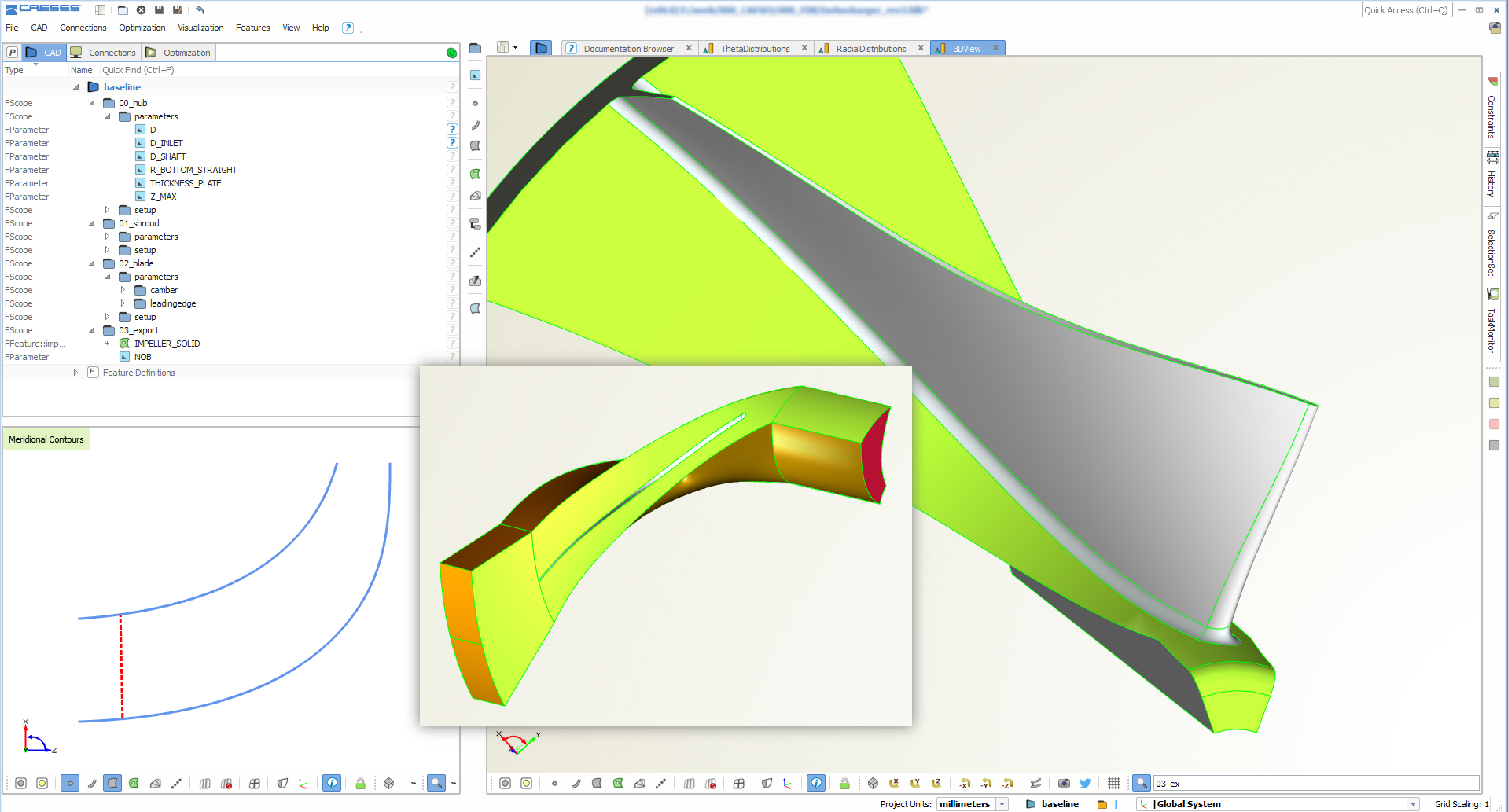
The impeller demo model has been reviewed, mainly for the ease of use. We have implemented new auxiliary methods (e.g. to extrapolate/extend surfaces) so that the parametric model setup is now fully decoupled from the generation of a solid model and the creation of a periodic fluid domain for meshing. We have changed the generation of the solid model to increase the performance further, and to allow users to create either a full model or a single solid model of the periodic geometry. Having these two options for a solid model has been a request by various users for the structural analysis of their models.