GeomTurbo Export for Blade Designs
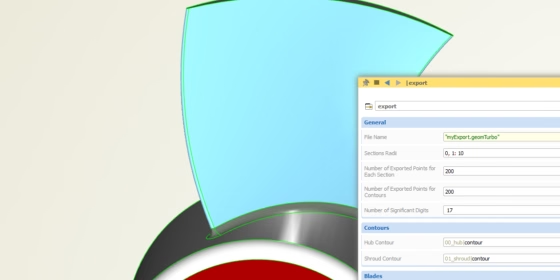
In one of our last posts we briefly touched the topic of writing a custom export in CAESES®, e.g. to make use of proprietary export formats. Our customers use a variety of export formats, and even “standard” formats are often used in different versions and with different options. Hence, we decided to support only a subset of the common export formats that are in the market, but also offer a very simple way for our users to realize almost any type of (ASCII-based) file format.
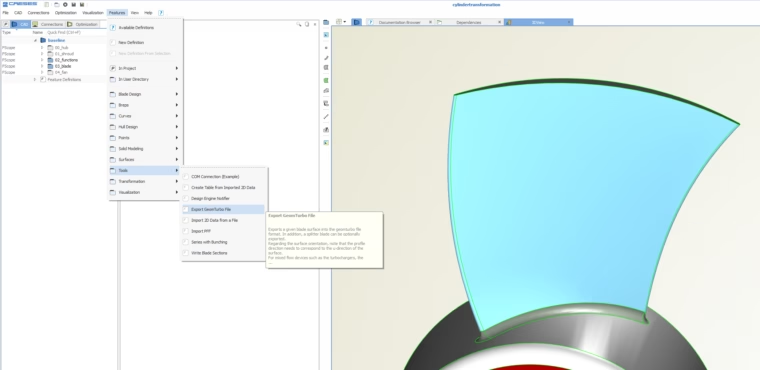
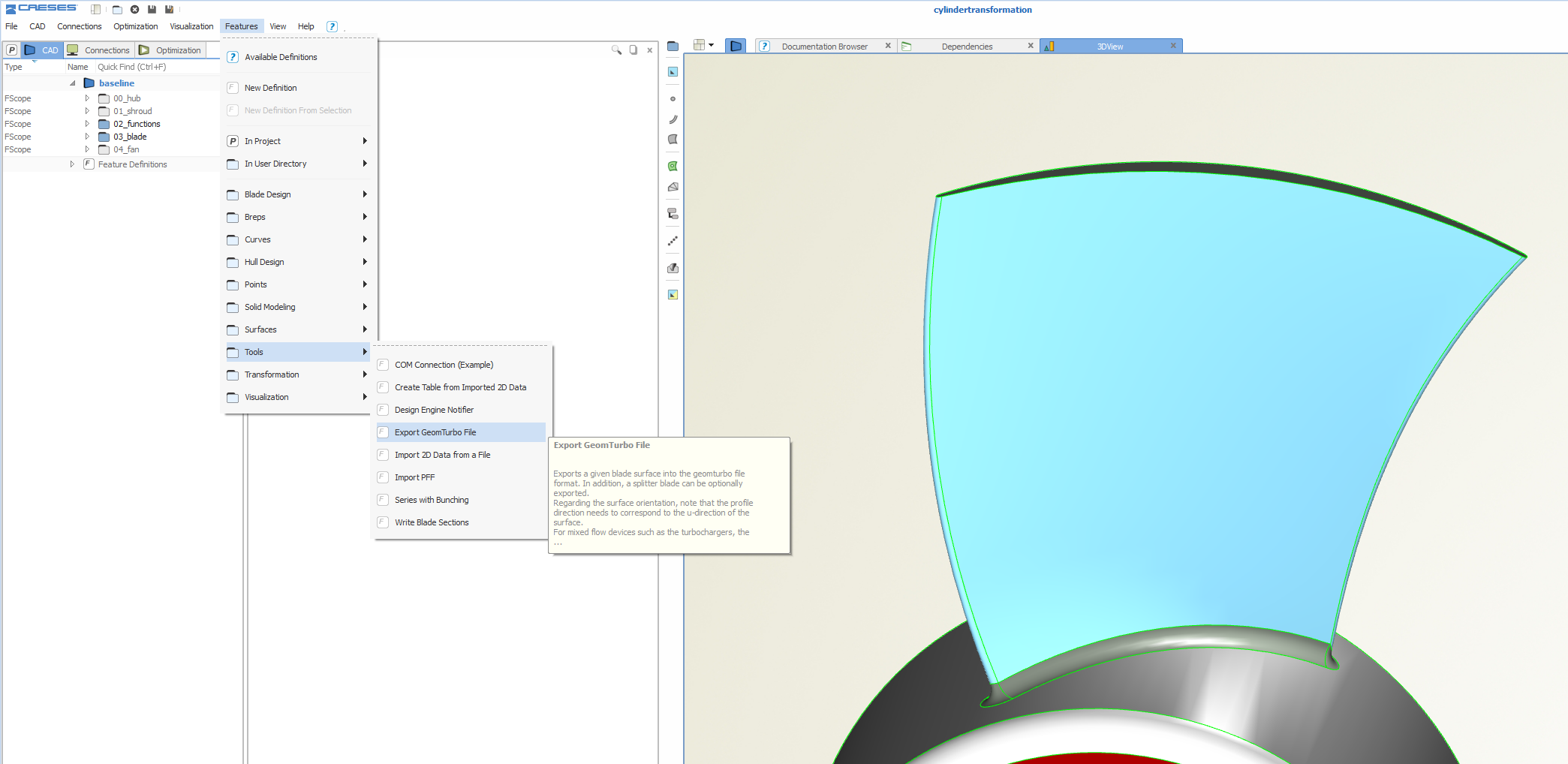
In this short article, we give you an example of the *.geomturbo format, that is used by Autogrid5 (NUMECA). This format has been requested from several users within the last months, and we have now put a basis version of it into the next CAESES® release. You will find it in the menu, features > tools, see the following screenshot:
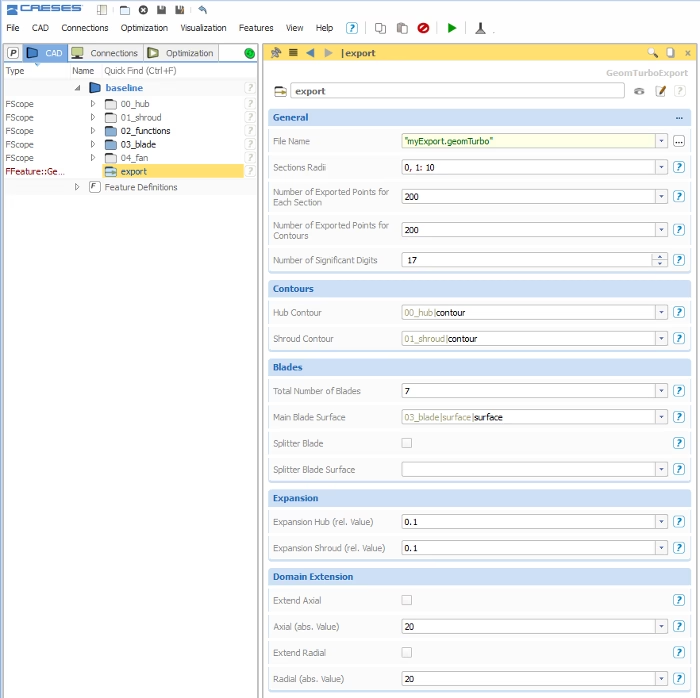
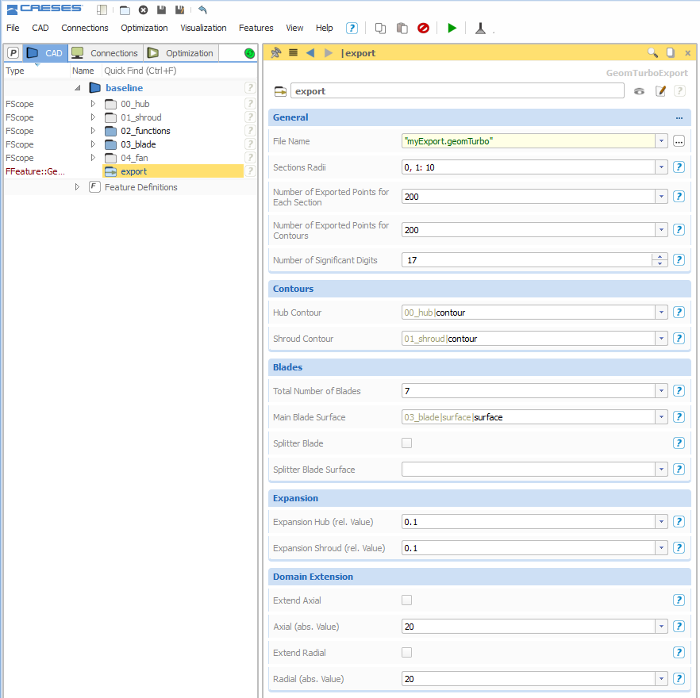
For the geomturbo format, several options and configurations are possible, and we have handed over some of them to the user, see the next screenshot. There are controls for the number of points per section, the number and the radial distribution of sections, expansion factors for extending the blade into the hub and shroud region, as well as the possibility to extend the hub and shroud contours.
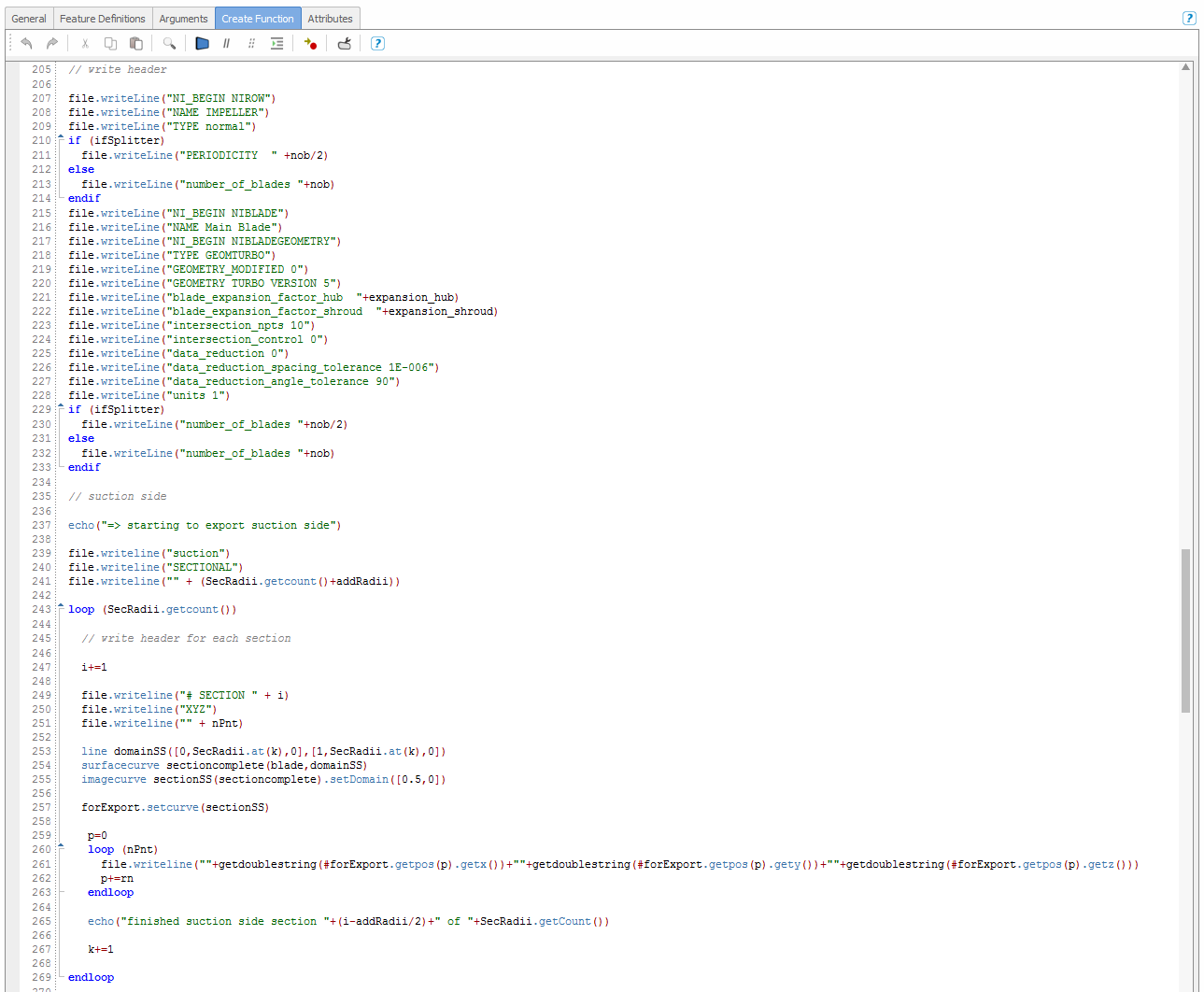
This export works quite nice, and it can be readily used. However, the great thing is that a user is still able to modify the entire export routine — just via editing the feature definition. With this, CAESES® users are independent of our activities and development schedules. We tried to make the syntax of our feature programming language as simple as possible, so that everyone can learn it quickly. The last screenshot shows a code snippet of this feature definition.
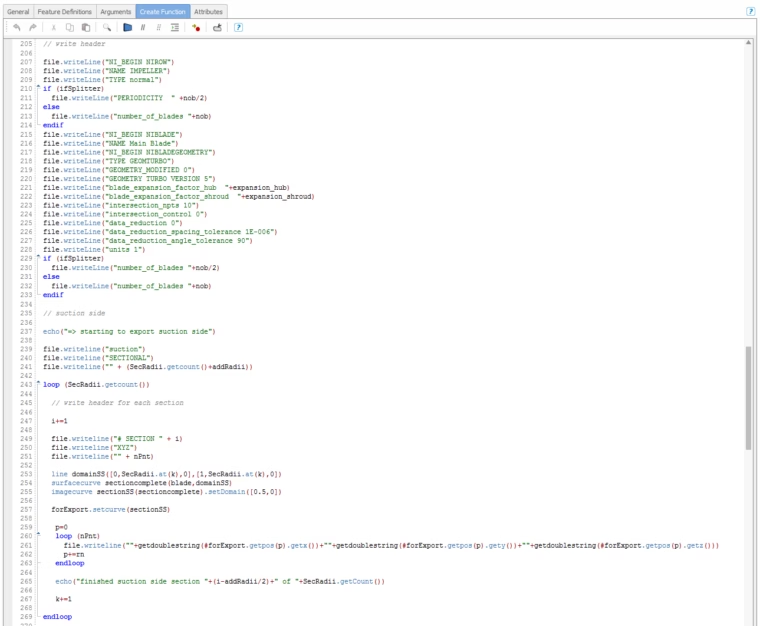
Feature definition to export geometry in a custom format into a file
Batch Mode Run
Many of our users run CAESES® in batch mode, i.e. without a graphical user interface, controlled by external optimization tools such as optiSLang, Optimus or ModeFRONTIER. In order to create the geomturbo file in automated processes for different design candidates of impellers, you simply have to add the feature run() command to the fsc-script:
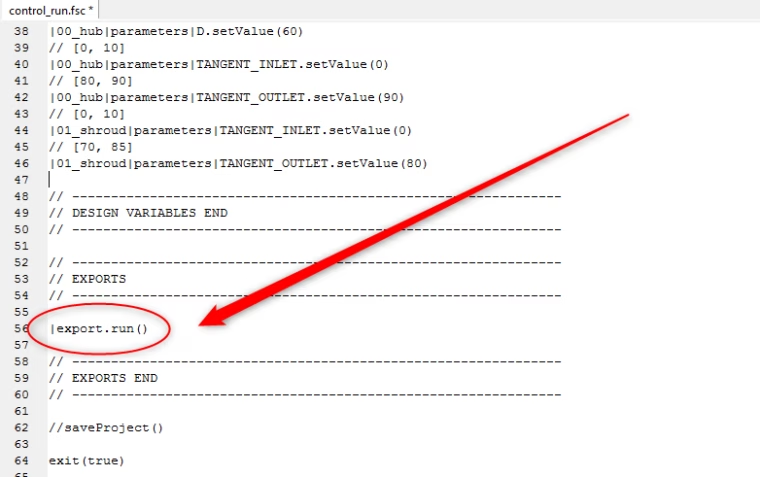
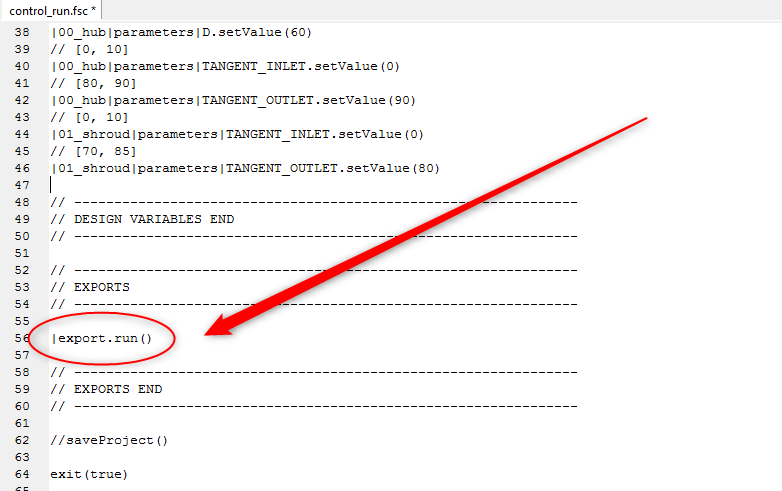
Add a run() command to the fsc-file to generate the geomturbo file automatically without starting up the GUI
More Information
Here is a link to the CAESES® community forum where we posted this feature definition. You can directly download and use it for your own blade design projects.
Writing export routines in CAESES® is just a very tiny piece of functionality, and it is extremely helpful — but probably not super amazing ;-) For more rather amazing stuff, check out the product pages of CAESES®. If you are using ANSYS Turbogrid for meshing your blade geometries, you might find this TurboGrid blog post interesting.