ANSYS Geometry Interface: Fast and Easy Automation
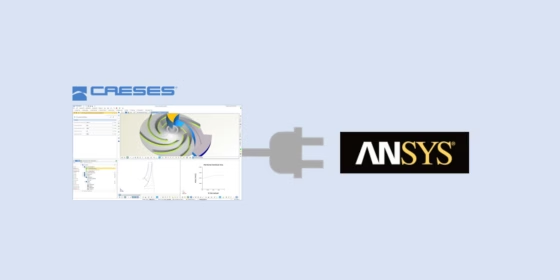
The CAESES ACT app is an ANSYS geometry interface by FRIENDSHIP SYSTEMS that allows CFD engineers to automate the entire geometry generation process, for the purpose of running shape optimization and design studies.
With the ACT app, new design variants are created with a single click in the background of the ANSYS GUI, and the new geometry is transferred to the Workbench without any manual user interaction. These externally created geometry candidates can be automatically meshed and analyzed with all the ANSYS tools, which is the prerequisite for CFD-driven studies.
ANSYS Geometry Interface: Video
We prepared a short video that demonstrates how easy it is to connect CAESES to the ANSYS Workbench. As an example, a parametric pump impeller is given in CAESES. The geometry setup contains a set of design variables that controls the shape modifications. A dedicated TurboGrid feature of CAESES then exports the geometry using the TurboGrid format. By running CAESES in batch mode, the entire geometry generation is automated without any scripting efforts by the ANSYS user.
Benefits of the CAESES-ANSYS Coupling
Compared to the use of traditional CAD tools, the main benefits of this CAESES-ANSYS geometry interface are the robust variant generation (no failed designs during the process) and a parameter-reduced, highly efficient CAD model (less computations). Since CAESES is a generalized CAD solution for shape optimization with simulation tools, any application from any industry can be considered. In particular, CAESES focuses on complex free-form shapes and their clever parameterization. The ACT app makes sure that the Named Selections of ANSYS are fixed and do not change, to be able to record and replay everything during automated studies.

ANSYS geometry interface: Any types of geometries can be created and varied
ANSYS Store
The CAESES Geometry Engine is shipped with the CAESES installation, and it is also available on the ANSYS Store.

More Information
Please see the initial blog post “Shape Optimization in ANSYS with CAESES” for more information about the ANSYS geometry interface. General information about CAESES can be found on the product pages. If you have any questions, please do not hesitate to contact us! We can also help you to evaluate this automated geometry process for your own application.
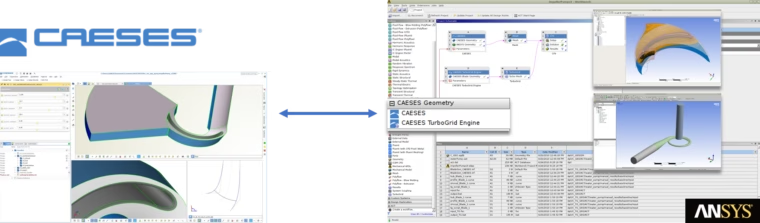


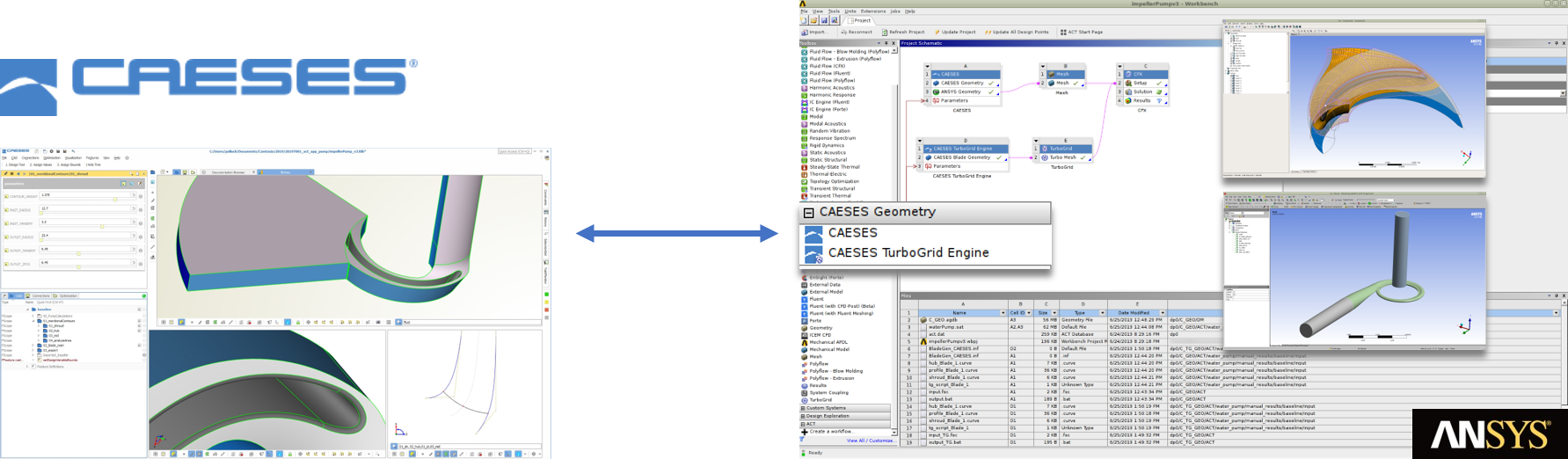
ANSYS geometry interface: Connect CAESES for automated geometry generation
Subscribe Newsletter
Do you like this post the ANSYS geometry interface? Then sign up for our CAESES newsletter to receive product updates and articles like this one.