Released CAESES 4.4.2

It’s spring time over here in Europe and we are excited to announce that the new CAESES release is out now! Even though this is formally a maintenance release, we have added a few new capabilities based on user requests from the last couple of months. Check out the changes log for all details, and browse through the picks below for an overview. Thanks to everyone who provided feedback and input for CAESES 4.4.2!
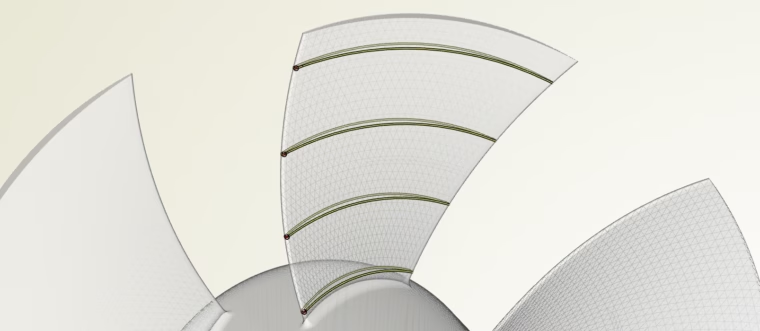
Blade Sections from STL Data
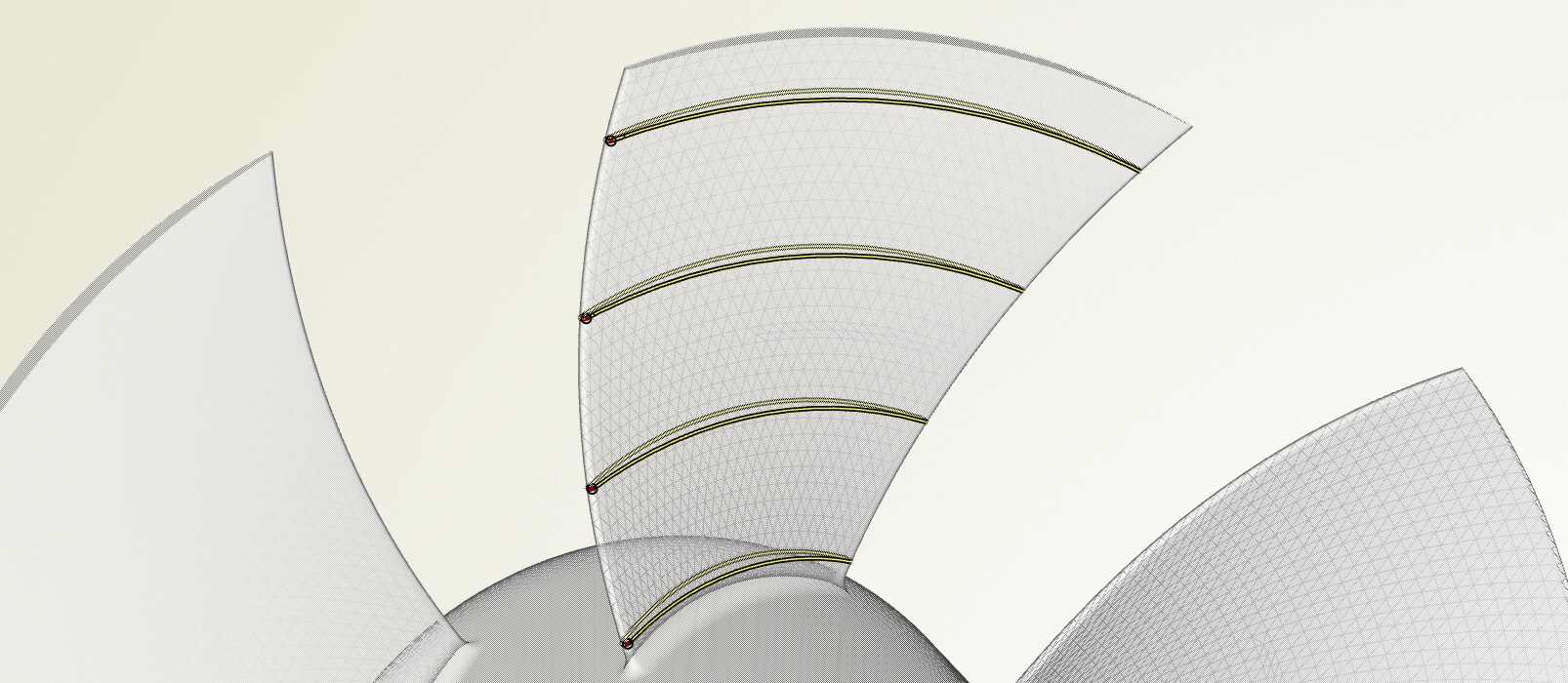
CAESES offers new capabilities to create 3D sections from given STL blade data, e.g. from propellers and turbomachines. The new routine intersects the triangle data with a cylinder surface or, alternatively, with an arbitrary stream surface. Learn more.
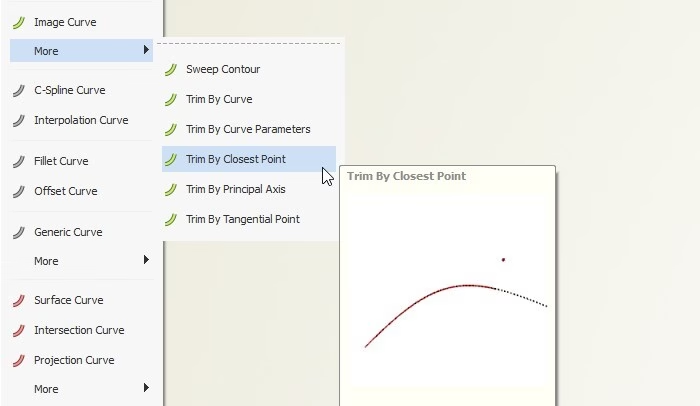
New Curve Features for 2D Sketches
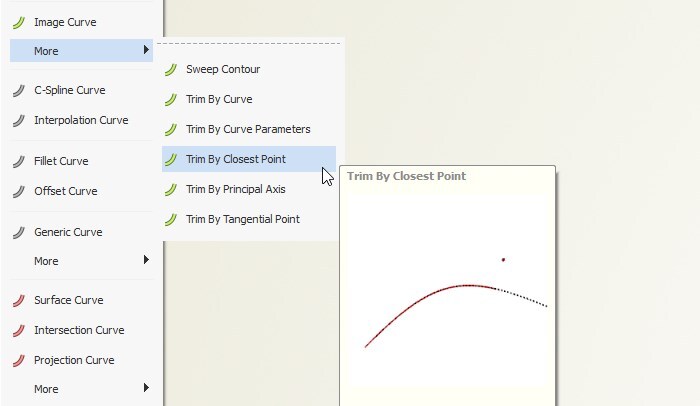
For faster sketching of parametric contour curves, there are new features available in the image curve menu, as well as in the circle/ellipse and line menu. They help you to quickly create and trim curves by means of various inputs such as other curves, points, curve parameters and principal axes.
More Controls for Interpolation Curve
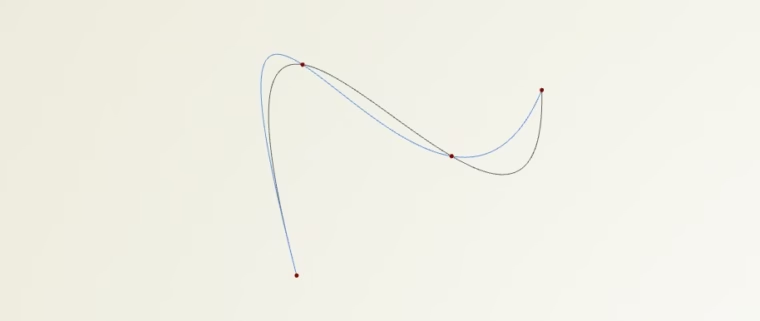
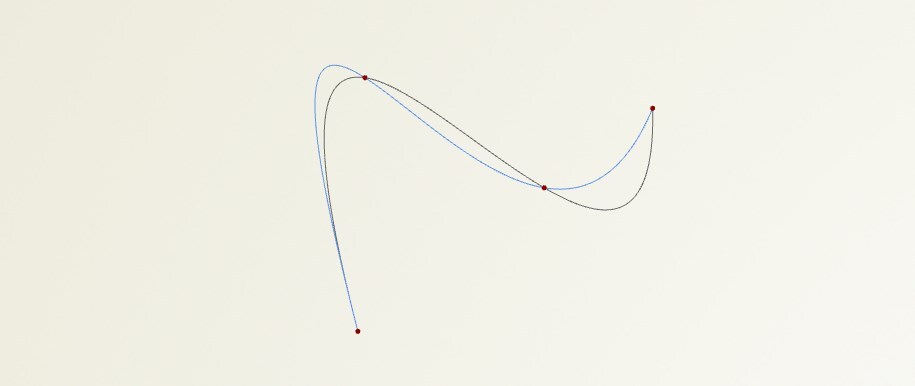
A new method attribute allows you to select between different algorithms when interpolating a set of points. Since the different interpolation strategies result in different curve shapes, it gives you more flexibility for the different modeling situations.
As another extension, you should check out the new option to provide 3D tangent vectors as additional input at the start and end locations of the curve. So far, only 2D angle values have been supported. Since tangent vectors are easily obtained from any curve and surface, this new capability is useful for creating smooth transitions from adjacent geometry.
New Surface Type: Gordon Surface
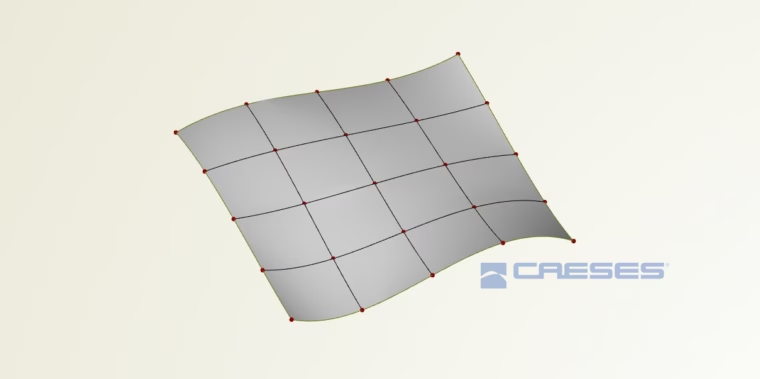
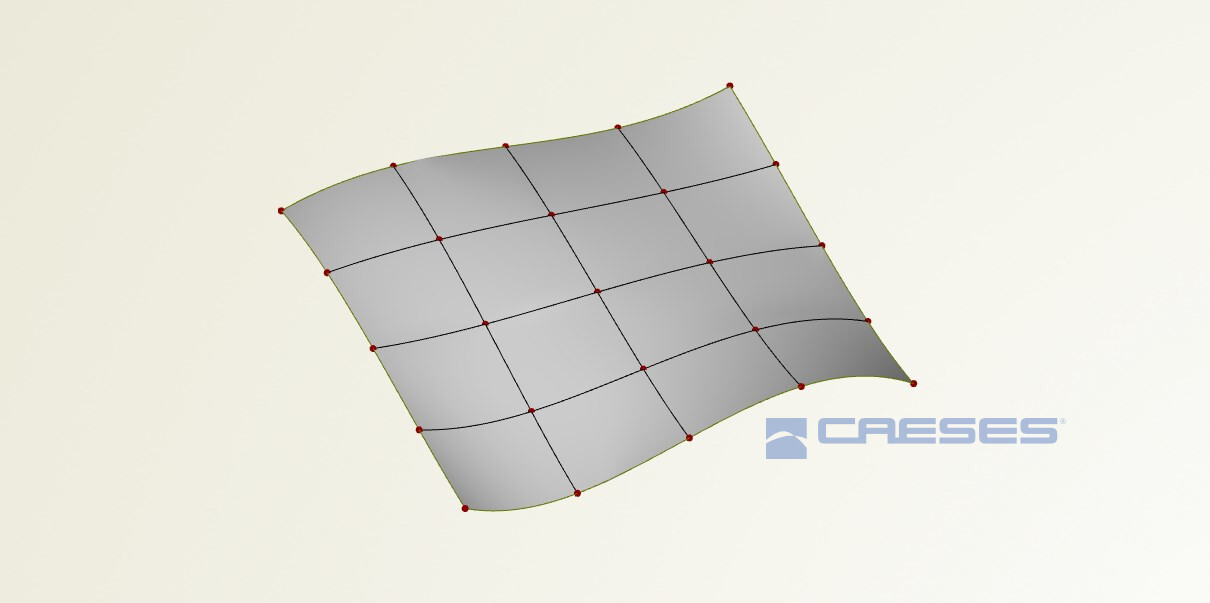
In order to create a surface based on a network of given curves, you can now use the first version of the Gordon surface. This new surface type expects two ordered sets of curves from which the patch is created. Learn more.
Faster Sweep Surface Modeling
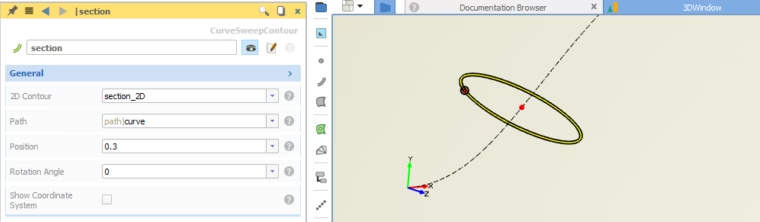
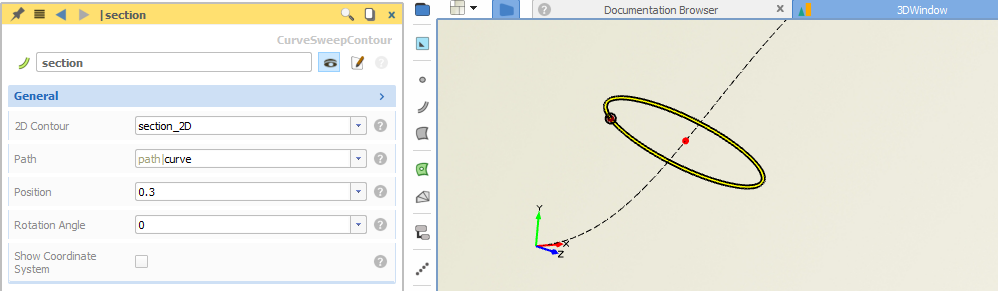
Creating and optimizing ducts, manifolds and channels in a fast and parametric way is one of the tasks that users recently wanted to accelerate. Here, we added a small but effective functionality to quickly transform a 2D section into the 3D space using a path and a location. You’ll find the new feature in the image curve more menu.
Color ID and Name
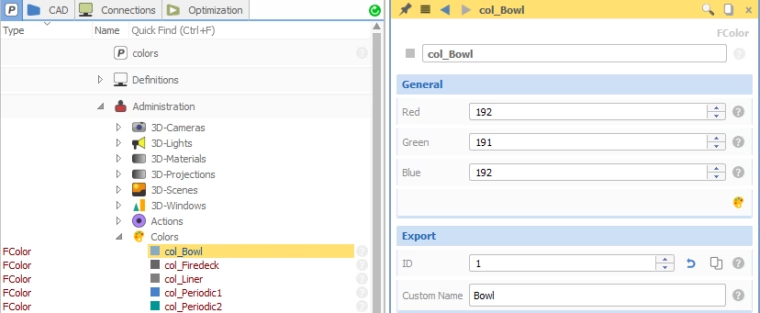
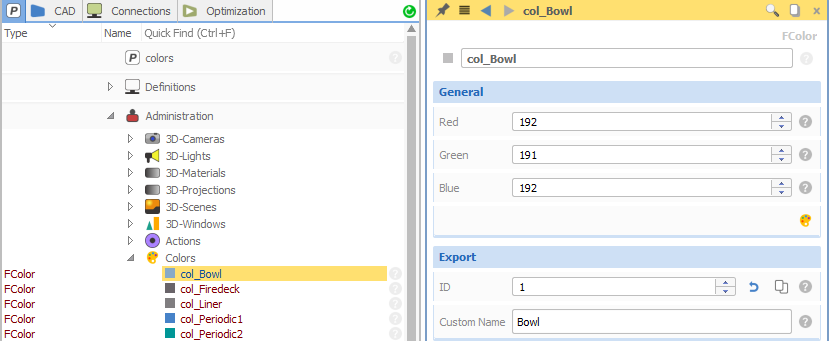
Colors and IDs play a critical role in CAESES. In recent versions, there was an automatically generated color ID for each color. This ID is unique, but also pretty long and not very user-friendly in terms of keeping it in mind or taking care of it in scripts. The new CAESES version supports custom IDs for colors, as well as a custom name to optionally replace the unique name of the color object. These two attributes are used for some export formats, in particular, for STL formats and the CONVERGE export.
CONVERGE Import and STL Processing
There is a new CONVERGE import available for *.dat files. It reads the data and creates colors based on the indices that exist in the file. These colors are assigned to the imported surface patches and no manual color creation etc. is needed, so that the automation of CONVERGE is done much faster.
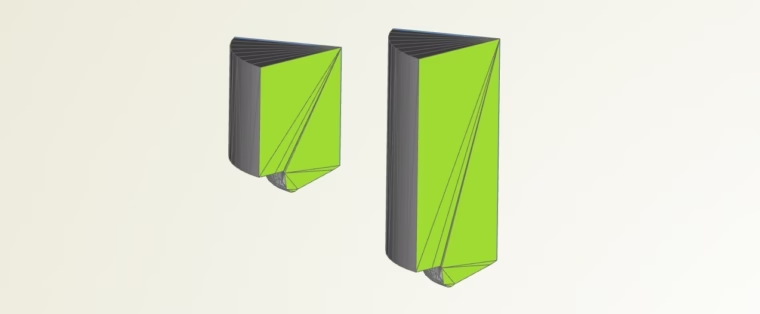
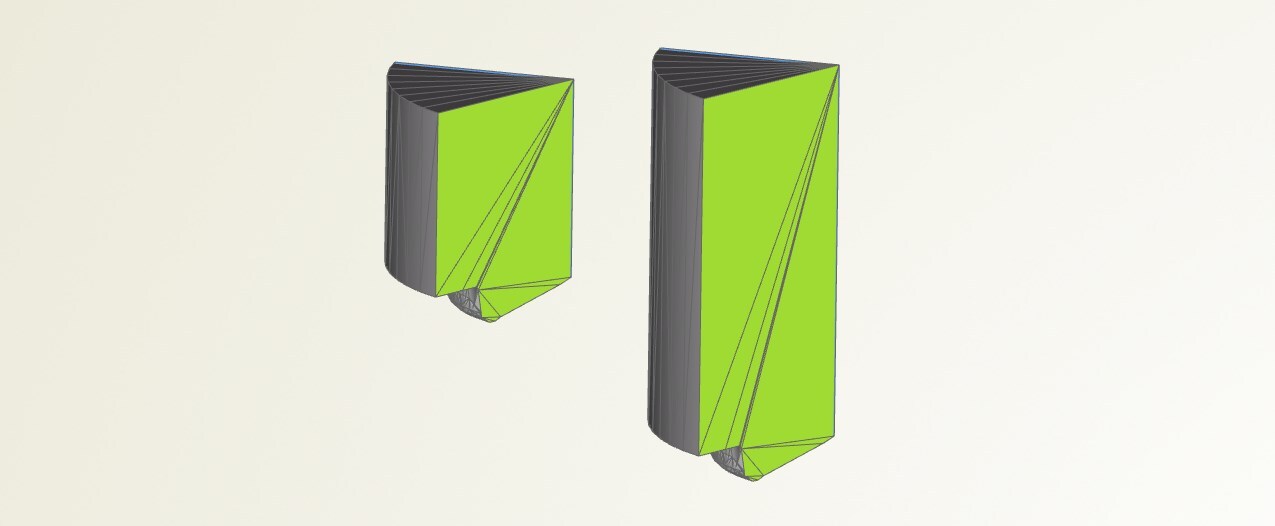
The trimesh capabilities also received a new processor to translate the triangle nodes of a colored patch. That makes it simple to transform STL data with a few clicks, e.g. changing the length of some patches, or the location of certain nodes without changing the triangulation topology (i.e., no remeshing of the initial triangulated surface).
New Optimization Method
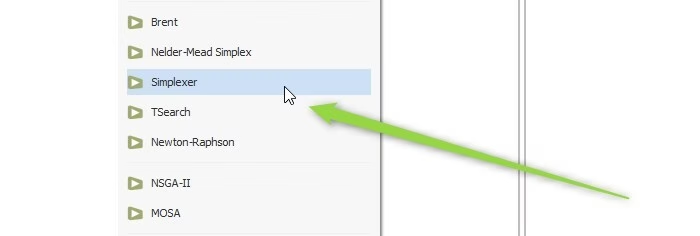
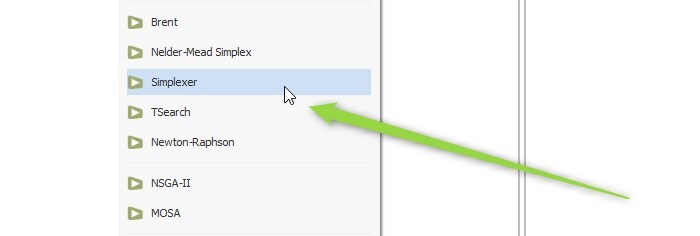
For highly-constrained design spaces, CAESES 4.4.2 offers a new and efficient optimization method called “Simplexer”. It uses repetitive linearization of a non-linear objective function and constraints to be able to solve them with the linear simplex method. Check out the documentation in the CAESES help for more details and recommended use cases.
GUI Improvements
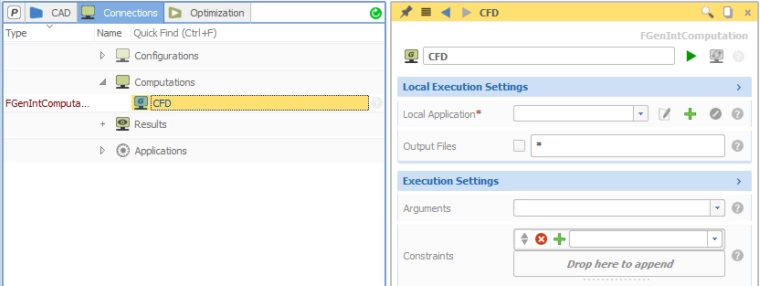
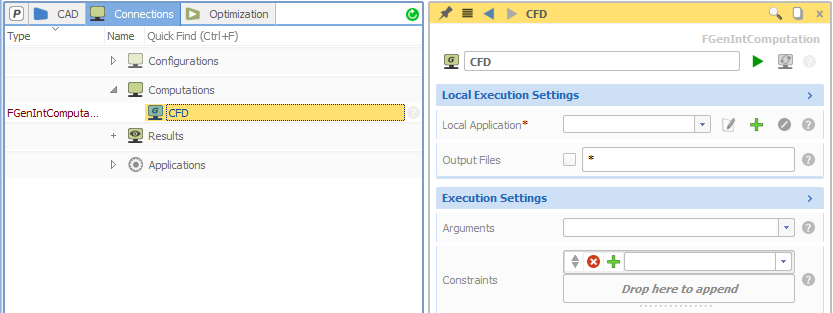
We introduced a couple of minor GUI changes, to avoid confusion and to better support especially new CAESES users in their design workflows. For instance, the local application is now the first item to configure when setting up a computation (in earlier versions it was at the bottom of the editor), followed by arguments and the constraint check. We have gone through the CAESES GUI and tuned several similar items.
And So Much More!
CAESES 4.4.2 gives you a robust geometry engine and automation platform, thanks to the steady inflow of reports from active users. What else is included? There you go:
- Improved constraint handling for Dakota optimization engine
- Result table fixes
- Improved pausing of design engines
- Units support for the ANSYS ACT apps
- Improvements to the ANSYS ACT TurboGrid app
- Better performance of the GUI widgets
- Updated models for the demo section of the documentation browser
- Many new tutorials in the included HTML help
Check out the changes log for all details and get the latest version today!