CAESES ANSYS ACT App: Update Available
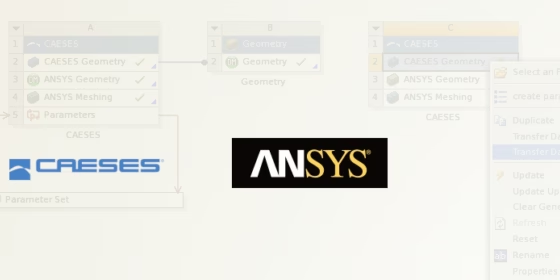
We have updated the CAESES ACT app, to more easily and robust integrate CAESES into the ANSYS Workbench. The following issues are fixed now:
Unit Conversion
Previously, in SpaceClaim the unit was converted to the one in the CAESES fsc-file. However, it was first converting the lengths to mm and then to the desired unit, which was creating undesired scaling.
Reload Loop
When the ACT App was reloaded, it was creating a loop where all the process of updating the geometry within ANSYS geometry were repeated several times. This was creating a problem especially for TurboGrid ACT, where the geometry creation and meshing might take long times.
Single App
Instead of having different ACT apps for general CAESES models and TurboGrid-related models, both apps are now combined in a single .wbex file.
More Information and Free Download
By using the CAESES ACT app, the geometry generation process is fully automated within the Workbench user interface. ANSYS users can stay in the Workbench environment to conduct design explorations and shape optimization with CAESES. The parameter set of the CAESES geometry models is automatically handed over to ANSYS, so that e.g. OptiSLang can vary and optimize the geometry. More information about the CAESES ACT app can be found in the article “Shape Optimization in ANSYS with CAESES”.
The updated ACT app can be downloaded in the ANSYS Store: