CAESES 5.1 Released
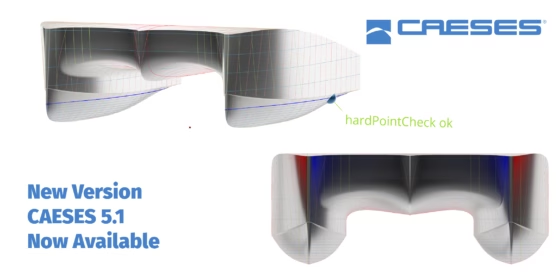
We are excited to announce the new release of CAESES version 5.1, which can be downloaded here.
Parametric modeling, CFD automation and shape optimization — everything has been improved in CAESES, to let you design and optimize the most competitive products in the market!
A special thanks to our users who gave feedback and many great suggestions through our helpdesk and forum!
Visualize the Influence of Design Variables
CAESES 5.1 offers conveniently accessible functionality to visualize the influence of the design variables on the geometry’s shape, using so-called design velocities.
Design velocities are defined as the normal displacement of the model surface due to a change in value of a design variable. They display the regions of influence for a design variable from a geometric point of view and are especially helpful in understanding the shape modification possibilities for a given setup.
Visualize the influence of design variables
GUI Facelift
The graphical user interface has received some fresh updates that streamline your interaction with CAESES and make it more intuitive.
Application-Specific Workspaces
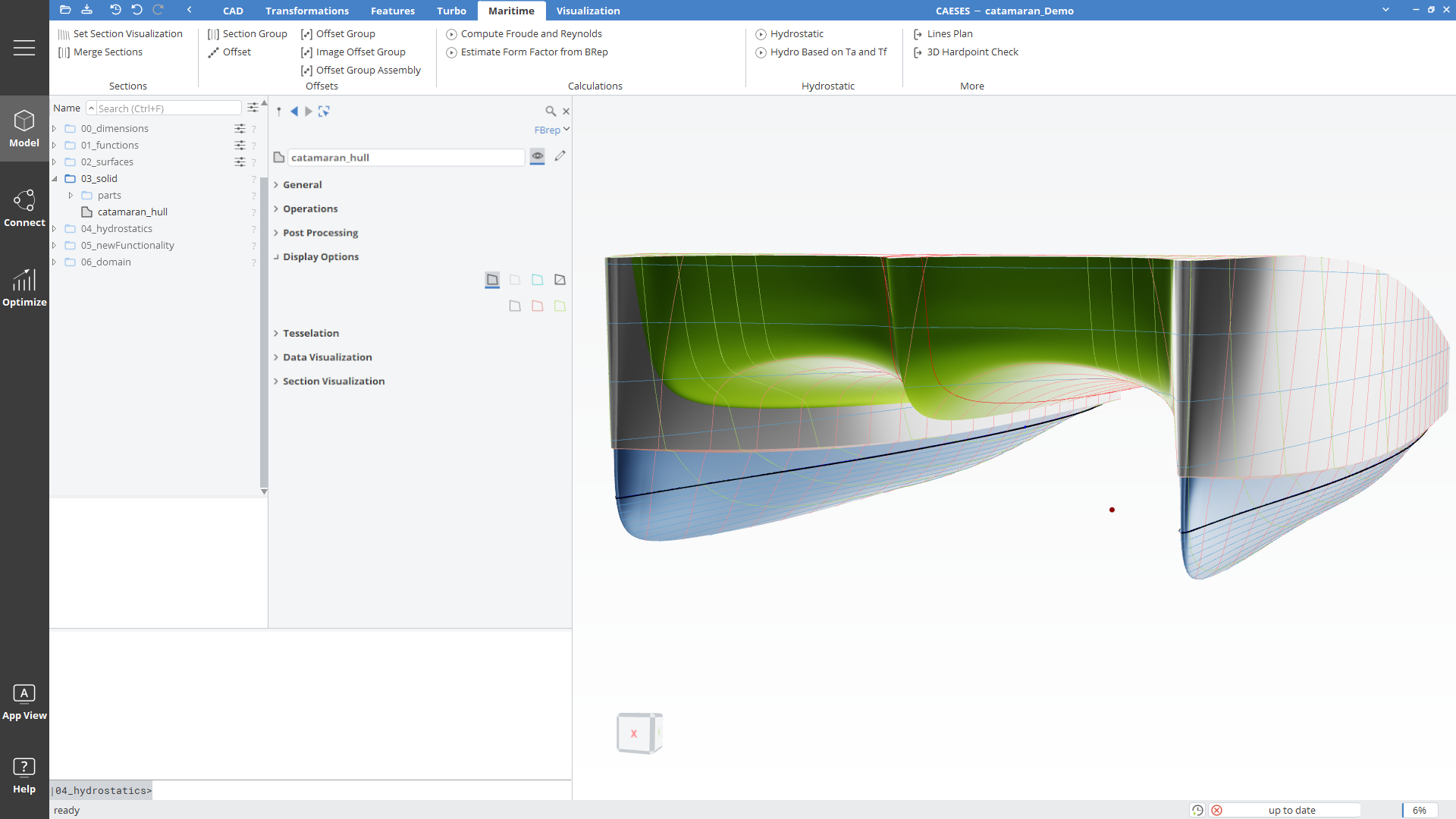
New workspace tabs for maritime and turbomachinery applications create a single point of access for dedicated functionality, making it easier to find the tools you need.
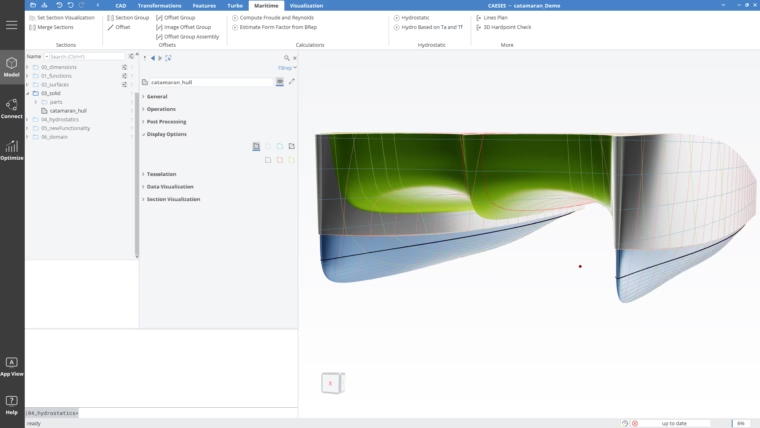
New workspace tab for maritime tasks
Bidirectional Coupling of Points
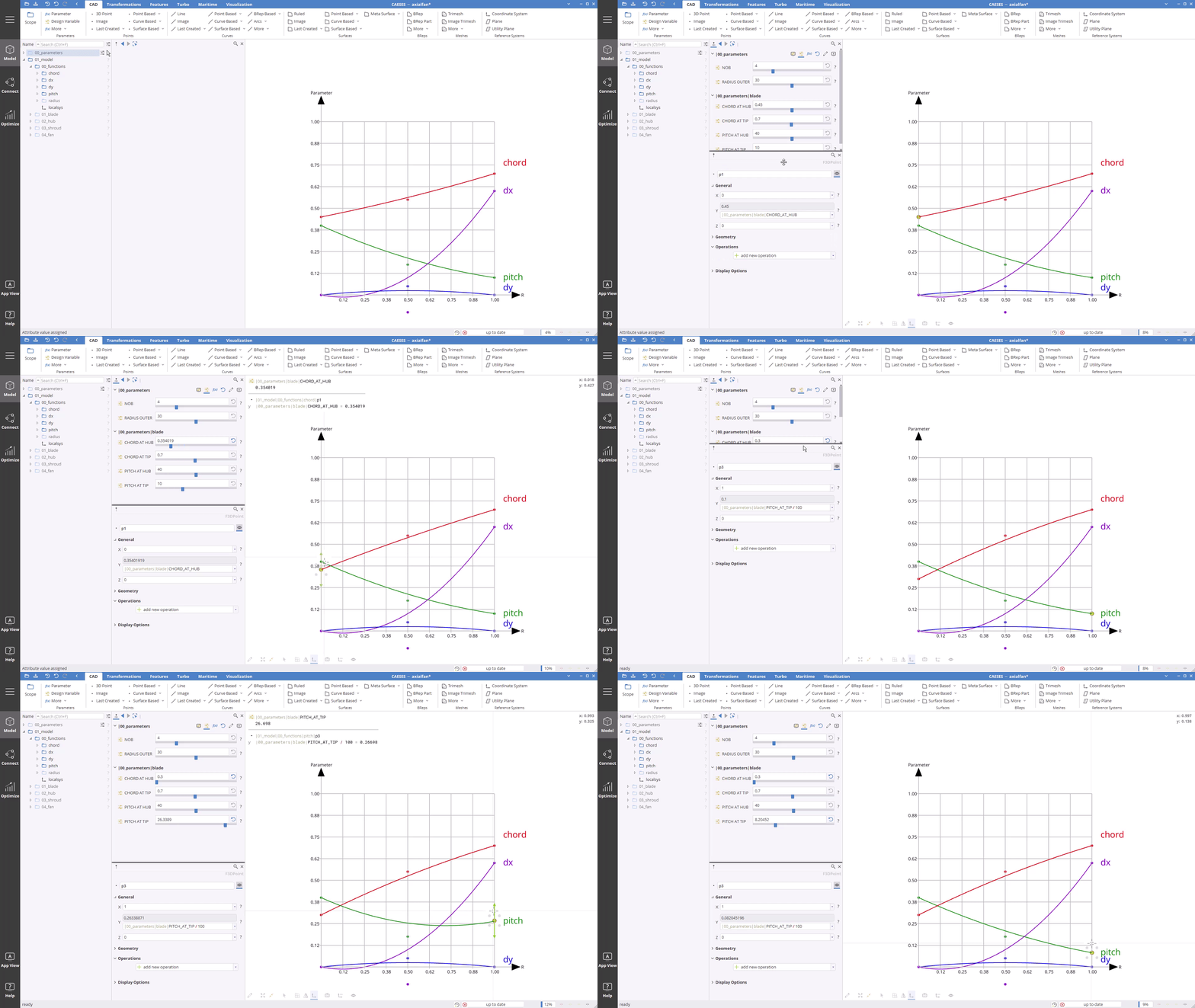
Moving points that are defined with expressions and design variables will dynamically modify the corresponding values without breaking these previously set dependencies.
Selection Filter
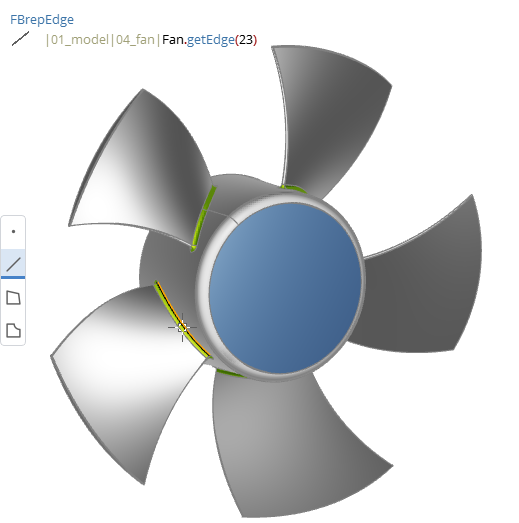
The new selection filter in the 3D view allows the user to restrict the selection to specified object types, simplifying accurate picking, especially in complex models.
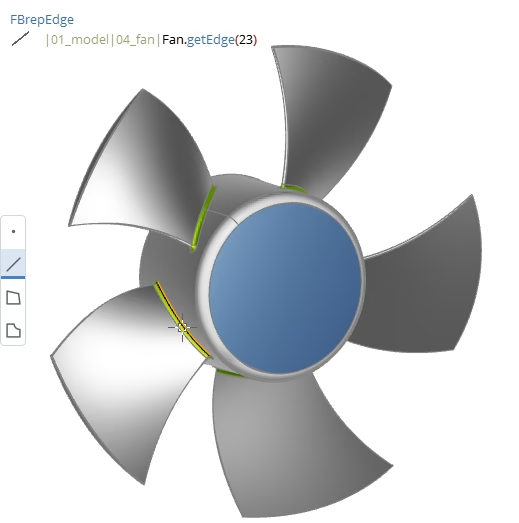
Selection filter toolbar available through context menu
Easier Modeling and Cleaner Projects
Dynamic Object Types
Dynamic Object Types are now used as the default setting when creating new objects.
New generic point, curve and surface object types allow you to choose the creation method after the generation of the object and will give hints as to which method is the most suitable for the given task. You can also flexibly change the creation method later as you build your model, without breaking dependencies. It is no longer required to know all object types with their individual properties and decide upfront!
Watch the tutorial video here and learn how to enhance your work with the new dynamic type objects.
Enhanced Editing of Curve Control Polygons
New post-processing operations for curves create completely new degrees of freedom by allowing downstream editing of the control polygon for any curve type including:
- Inserting, replacing, and removing points,
- Refinement at given positions,
- Re-interpolation with a selected number of points,
- Adjustment of start and end tangent,
- Prescribed point displacements.
Organize Your Project with Custom Scope Sorting
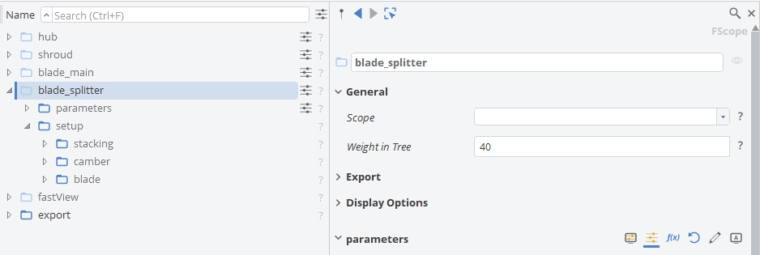
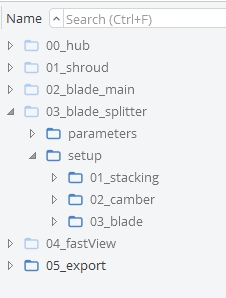
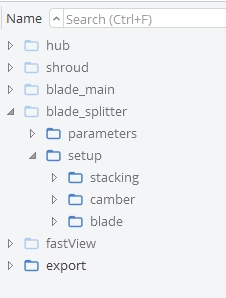
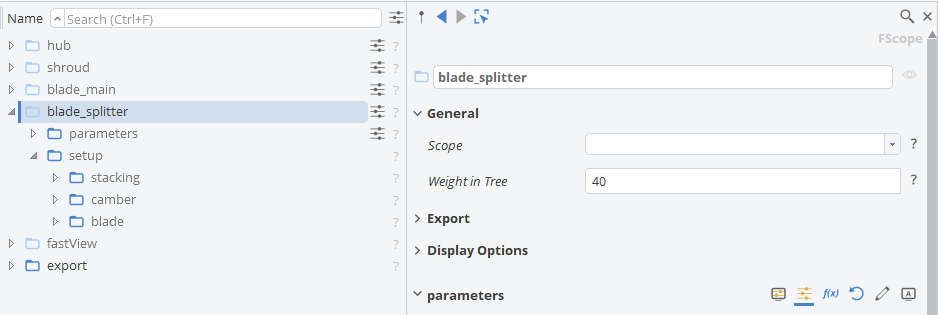
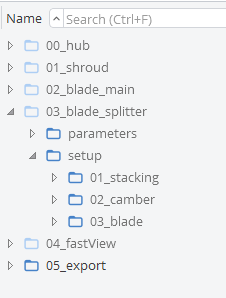
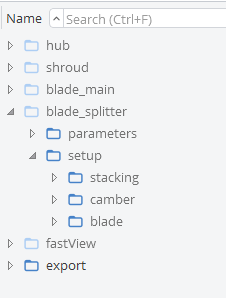
Furthermore, there is a new option to customize the order in which objects appear in the tree by introducing weight values. This helps you arrange the scopes and objects in the order you prefer, apart from alphabetical sorting. So, there is no need for numbering your objects anymore.
New Video Tutorial Platform
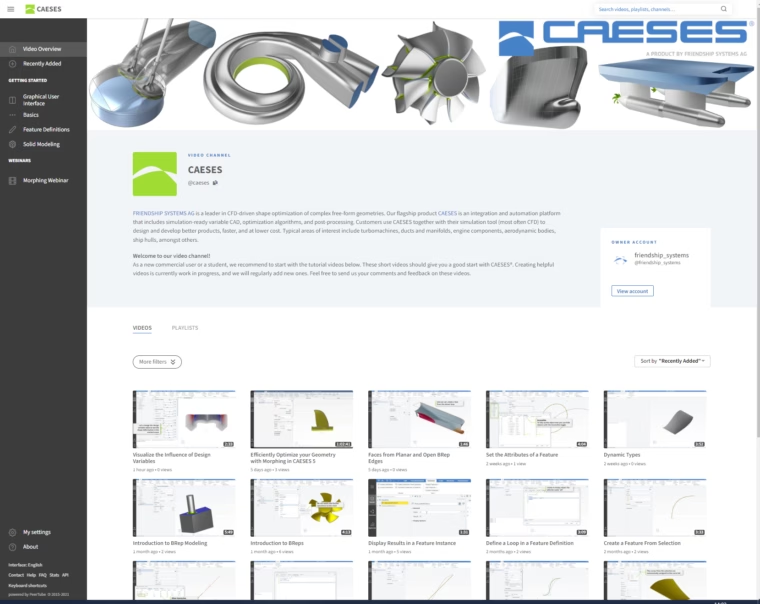
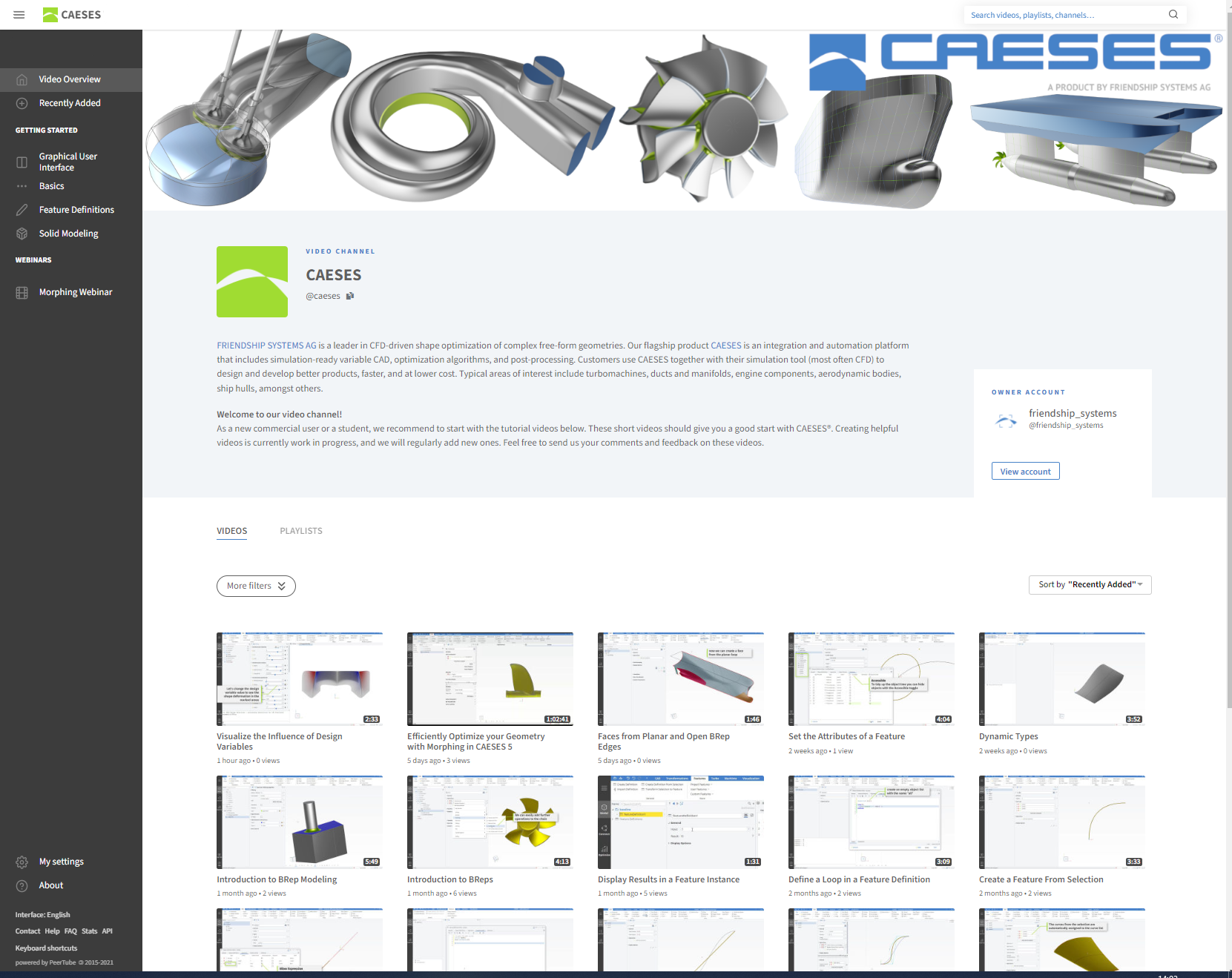
We have launched a new video tutorial platform that helps you get up to speed with learning CAESES.
Creating helpful videos is currently a work in progress, and we will regularly add new ones to establish a comprehensive library. Feel free to send us your comments and feedback on these videos.
New Design Space Exploration and Optimization Algorithms
New Adaptive Sampling Method for Initial Variant Creation
In addition to Latin Hypercube sampling, we now offer an intelligent adaptive sampling method, which is included in the Dakota design engine. The goal of performing adaptive sampling is to construct a surrogate model that can be used as an accurate predictor for a computationally expensive simulation. Thus, it is advantageous to build a surrogate that minimizes the error over the entire domain of interest using as little simulation runs as possible.
The adaptive part refers to the fact that the surrogate will be refined by focusing simulation samples in particular areas of interest, rather than entirely relying on random selection or standard space-filling techniques. The method uses a Gaussian process (Kriging) model as a surrogate, based on an initial set of simulation results from a Latin Hypercube sampling, which is iteratively augmented by additional data points in regions of the design space where the error of the surrogate is predicted to be the highest.
One Step Steepest Descent Optimization with Penalty Functions
The One Step Steepest Descent is a very simple optimization algorithm for small scaled, single-objective optimization problems. The main advantage of this algorithm is the very low number of evaluations required to find a first improvement.
In the first stage, the n‑dimensional gradient of the objective function is determined by performing n+1 evaluations, with n being the number of free variables considered. Once the gradient is determined, a one-dimensional search for the optimum in the direction of the steepest gradient is performed. Due to the simplicity of the approach (one-dimensional search), the resulting design cannot be considered the optimal solution, but rather a first step towards finding a better design.
And So Much More!
Thanks to the steady inflow of feedback and suggestions from our active users, CAESES 5.1 is even better, easier to use, provides the most robust geometry engine available, and offers an intuitive and efficient integrated framework for your automation and optimization tasks. What else is included?
- BRep of Revolution: Easily create a BRep by revolving a set of curves
- Design space dimensionality reduction:
- Combine principal parameters with CAD design variables to give you more options and detailed control
- Choose the alternative back-transformation (from principal parameter space to original CAD parameter space) method to handle more principal parameters and more accuracy for certain geometries
- Use the dimensionality reduction method with Dakota design engines
- Visualize and inspect curvature on BReps, too
Check out the changes log for all details and get the latest version today!
Follow Us
If you are interested in updates about CAESES®, then sign up for our newsletter. Don’t worry, we won’t bother you with too many emails. Of course, you can unsubscribe at any time :-)