How to Create a Propeller Blade Tip
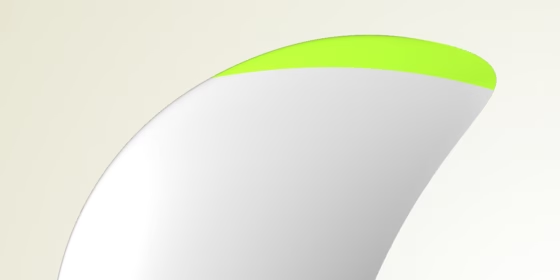
In our propeller design projects for maritime applications (i.e. ship and boat design), we use a special feature for creating the blade’s tip surface. This is a tricky region because there is a singularity, and as a designer you need an absolutely clean and smooth solution for generating this tip surface. From a technical point of view, it is also important in CAESES® to define this surface in a way that it closes the blade without any warnings or surface problems. All subsequent operations such as the hub fillet generation are based on the closed blade which should not show any warnings or even tiny gaps.
In the upcoming version 4.1.2, we have now added this blade tip feature. Users of CAESES® can simply access it through the blade menu. The following short video shows how to use it:
Interested users can take a look into the feature definition of this tip surface. The entire definition can be accessed and modified if required e.g. for very special shapes or other applications. Since the surface definition follows a generalized approach, the code can also be used for other geometries such as rudders or wings to nicely close them. Here is a screenshot of the definition:
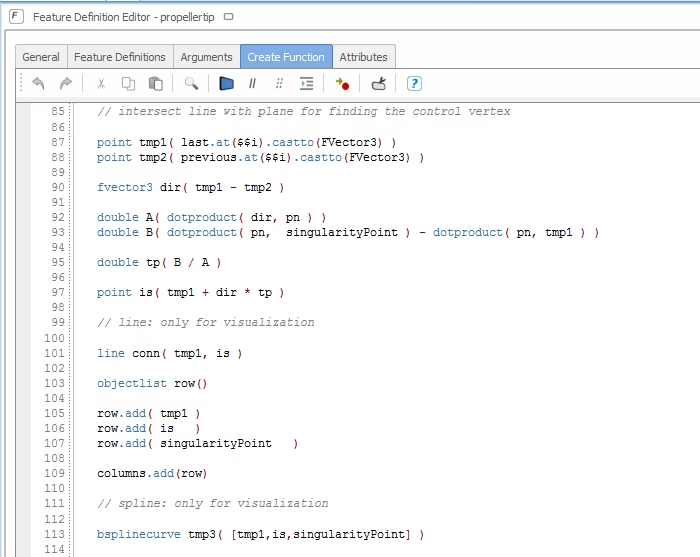
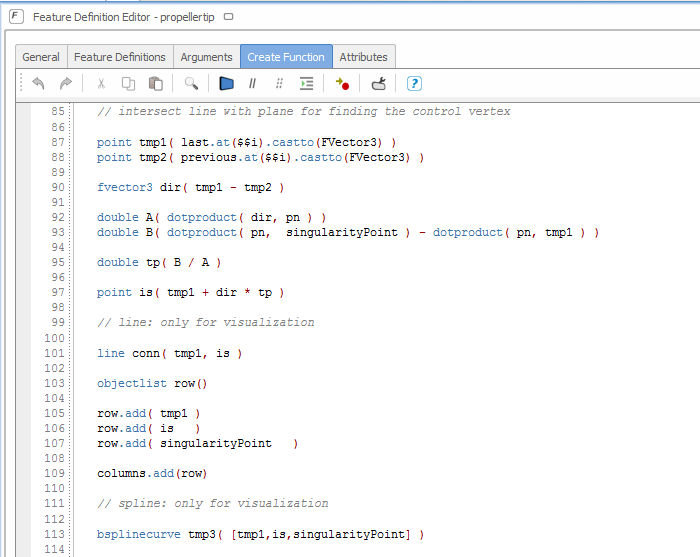
Feature programming of the tip surface
Follow Us
Are you interested in propeller design and optimization? Then stay tuned and sign up for our newsletter to receive short reads like this one here! Don’t worry, we won’t bother you with too many emails. Of course, you can unsubscribe at any time :-)