Why You Should Consider CAE Tools with Linux Support

Recently, we had a request from an engineering company that uses a standard parametric CAD software to design their product. They gave us a call because they wanted to run automated shape optimization along with some simulation tools, but they had issues with automating their geometry generation. The next day we had a webmeeting, and the following major problems were identified:
- Regeneration of the geometry is not 100% robust, i.e. for some parameter combinations the geometry model simply failed to generate geometry
- No possibility to run the CAD tool on the cluster system because Linux is not supported
The first item is already a pain since trying to fix this can really take a lot of time, or is not possible at all. Moreover, if the geometry tool is not robust during regeneration of design candidates, this possibly misses optimal product shapes.
Linux-Based Clusters
The second item — having no Linux version of a CAD tool — can be an absolute show-stopper in the context of exploiting hardware resources. All the efforts you have spent into your sophisticated geometry model are simply useless at this stage if Linux is your target platform. You have no possibility to run comprehensive design studies on the available hardware resources of your company.
If you run large design studies with simulation, you probably do this on Linux clusters. It’s no secret that all the super computers run on Linux, too — and there is a reason for that.
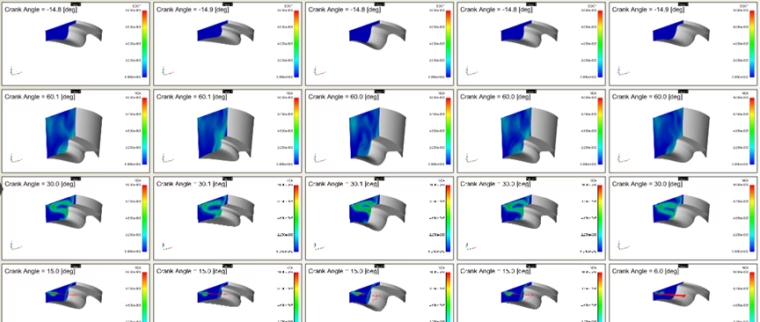
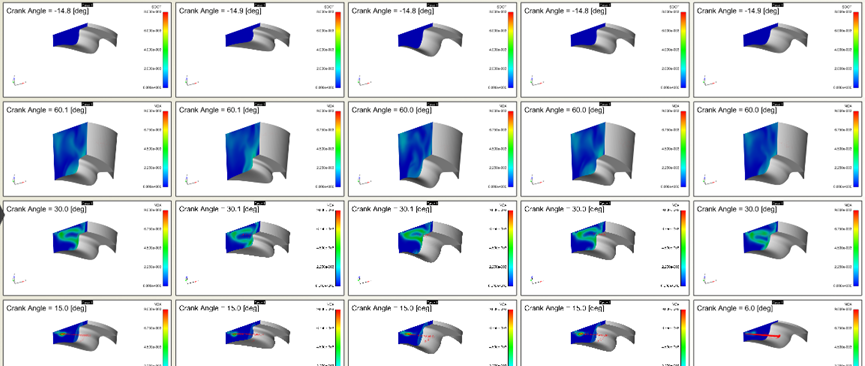
Generate and analyze large sets of design variants on cluster systems - completely automated
Linux Support Right from the Beginning
That’s the reason why many years ago we decided to support Windows and Linux platforms with our CAD tool CAESES®. Having the main purpose of generating geometry in automated optimization chains, it has always been crucial that our customers can install and run CAESES on Linux-based cluster systems.
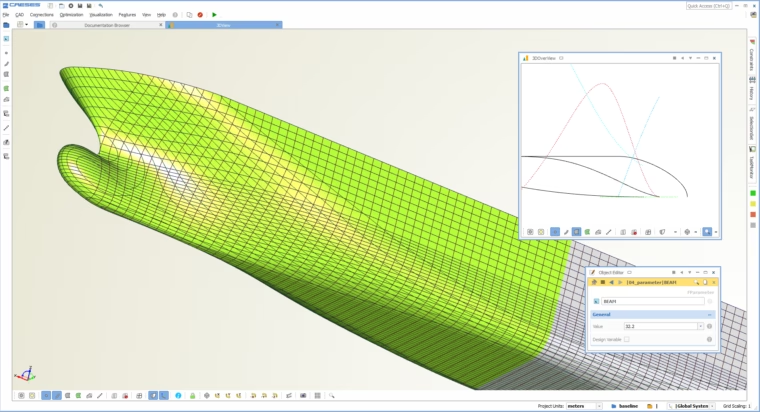
CAESES: CAD modeling and full automation of geometry generation, available for Windows and Linux (GUI/non-GUI versions)
Things often start with the fact that there is an increasing pressure from the market: Engineers and managers are noticing that the important competitors are nowadays often running huge optimizations on their clusters, where they generate and analyze hundreds or even thousands of design candidates to find optimal products.
When it comes to optimization processes on clusters, some forefront companies use proprietary i.e. self-developed tools that are 100% geared to their application and which have been developed over the course of many years. Alternatively, there are commercial tools such as CAESES® that are highly specialized to the engineering sector, always having in mind only one purpose: Full automation for drastically scaling up the outcome in the shortest time.
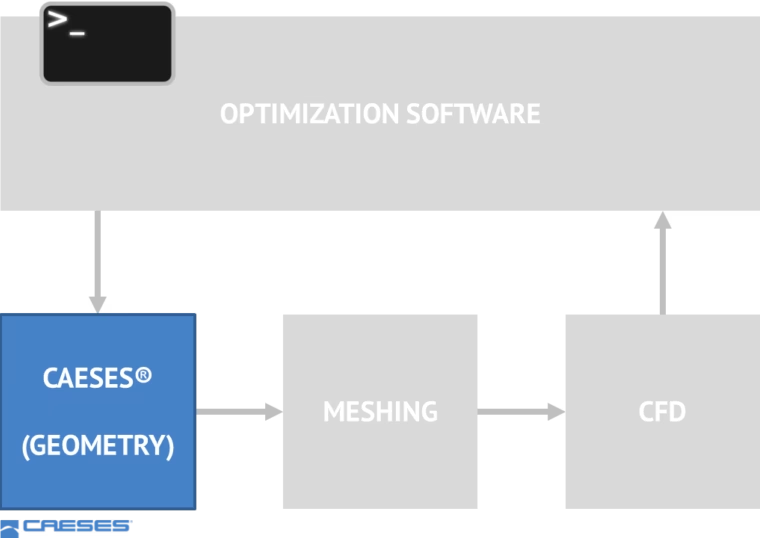
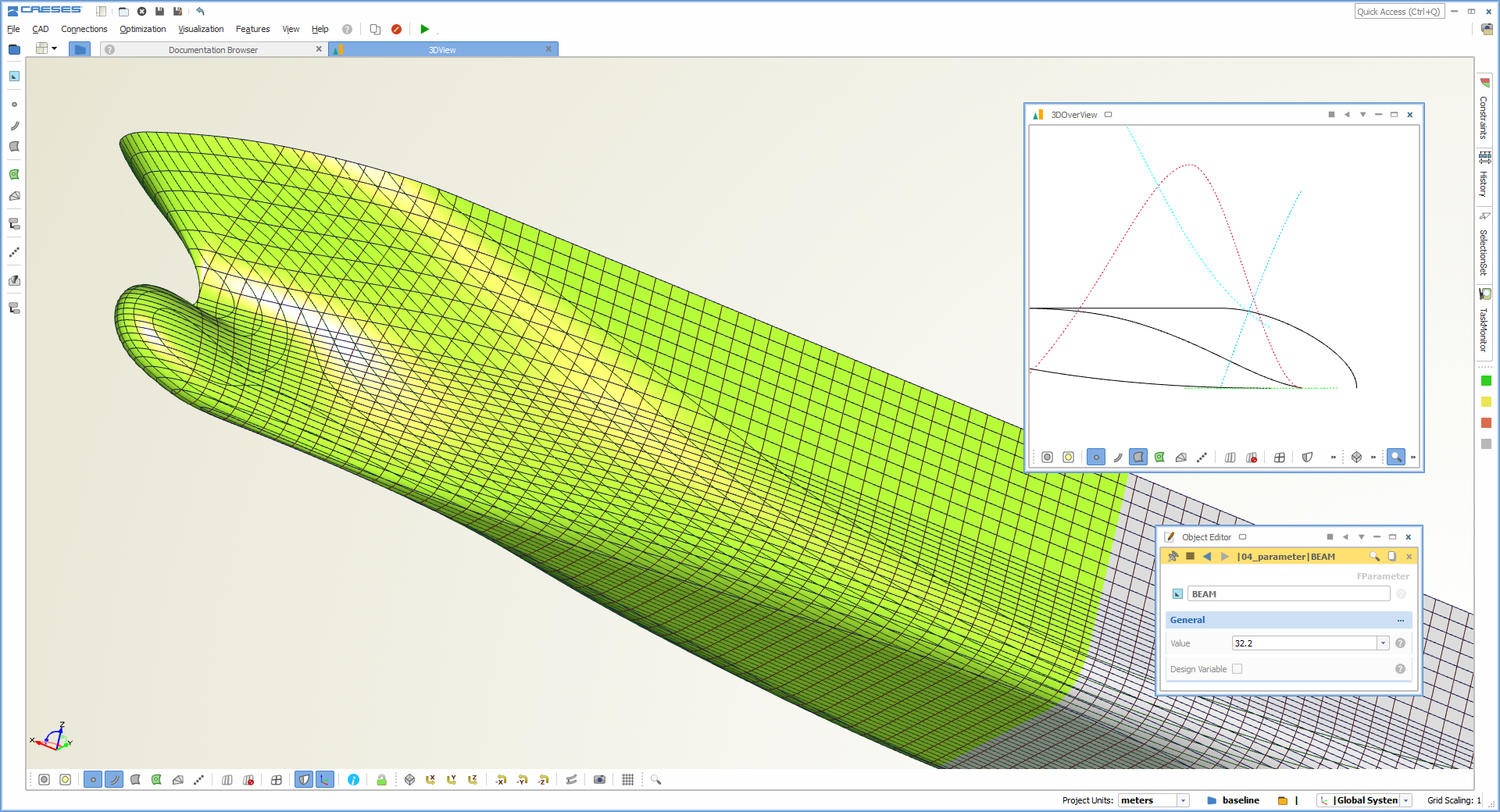
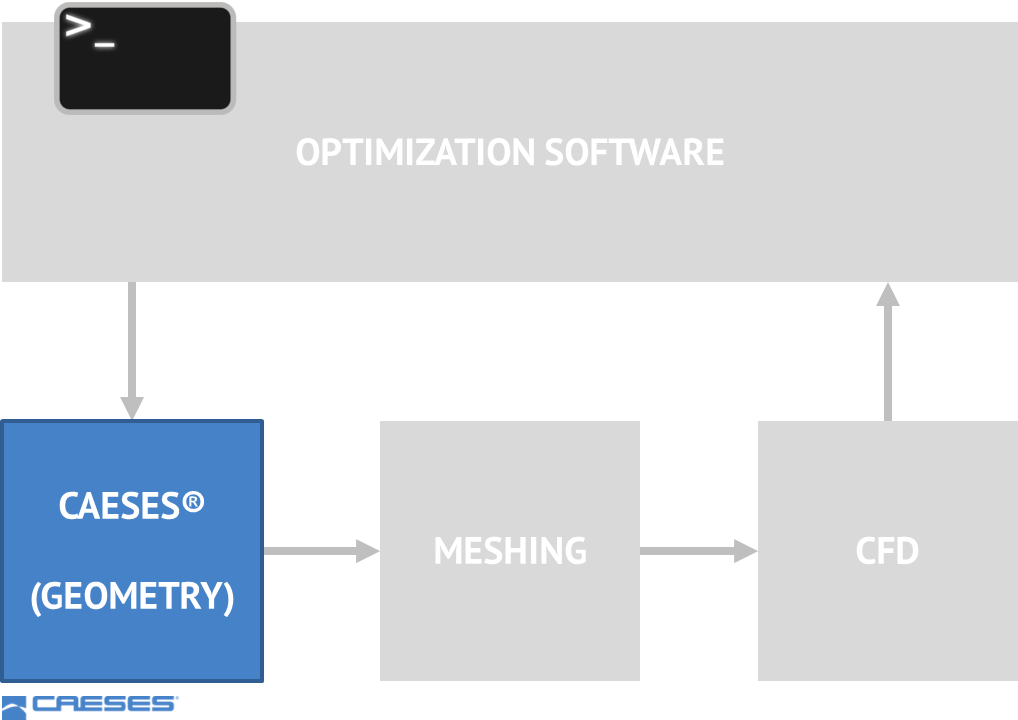
Typical optimization workflow on Linux clusters using the CAESES batch mode
Typical optimization workflow on Linux clusters using CAESES in batch mode as CAD engine[/caption] As a typical use case, some of our CAESES® customers set up their variable geometry model on a local Windows machine. Once the model is ready, they copy the complete project setup to their Linux cluster and run the optimization, say overnight or on the weekend. The process is controlled by either a 3rd party optimization package, or by the inbuilt strategies of CAESES®. Without a Linux version, they would be limited to their local machines. So if you are thinking about workflow automation and simulation-driven shape optimization, make sure that all your CAE tools support Linux :-)