Gordon Surface for Curve Networks
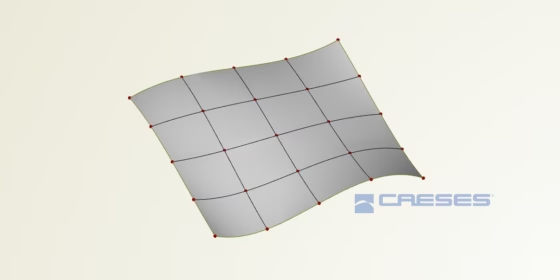
With CAESES 4.4.2, we’ll introduce a new surface type, the Gordon surface. This surface can be seen as a complementary tool for situations where you would create Coons patches in CAESES. So, what it does is, allowing you to create a surface patch based on a given network of curves. This set of U- and V‑curves needs to be ordered for generating the parametric surface.
We’ve had several feature requests in the last couple of months where users wanted to create a smooth surface patchwork based on a skeleton-like setup of curves. In these situations, CAESES users would create a patchwork of different surfaces, such as fillet surfaces, Coons patches, ruled surfaces, etc. However, the Coons patches, as an example, do support tangential information for smooth transitions only if the adjacent surfaces are given — which is not the case during many modeling tasks. Furthermore, it is often not really handy and rather tedious to create loads of single patches, even if things are automated using feature definitions.
Gordon Surface in CAESES
That’s where the Gordon surface come into play. In CAESES, the Gordon surface has two input attributes: Curves U and Curves V. These curves need to be sorted, and they need to intersect at the locations where the curves are crossing each other.
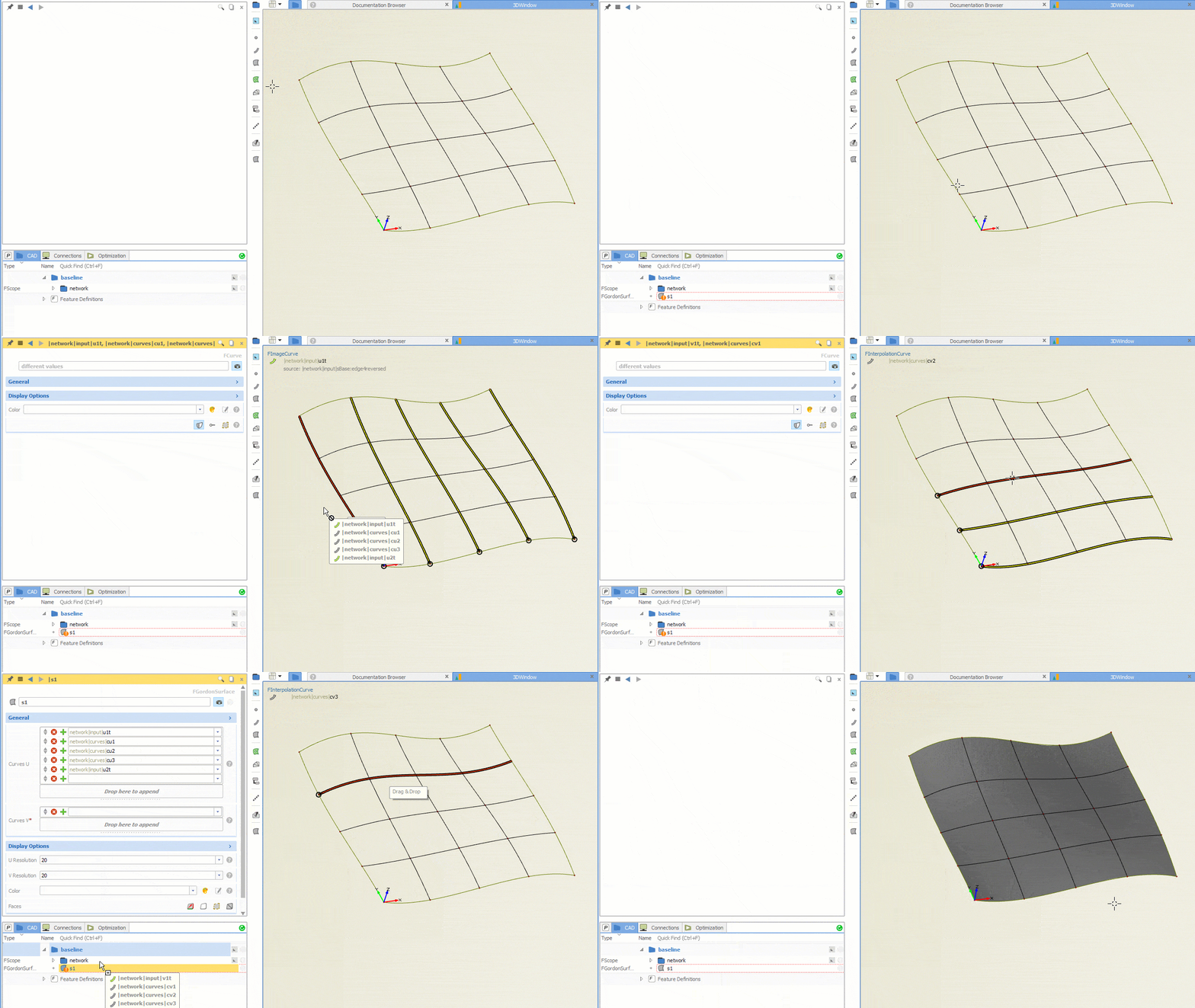
Once you have created such a Gordon surface, you are still able to control the network and the surface follows your changes (well, not a big surprise for CAESES users).
The parameterization of the input curves is an important aspect to successfully create a nice Gordon Surface. In some situations, the parameterization needs to be changed by using the parameterization attribute of curves. If interpolation curves are used as input, there is also the new option to change the interpolation method, which implicitly changes the parameterization and helps to further fine-tune the surface results.
Curve Network Creation
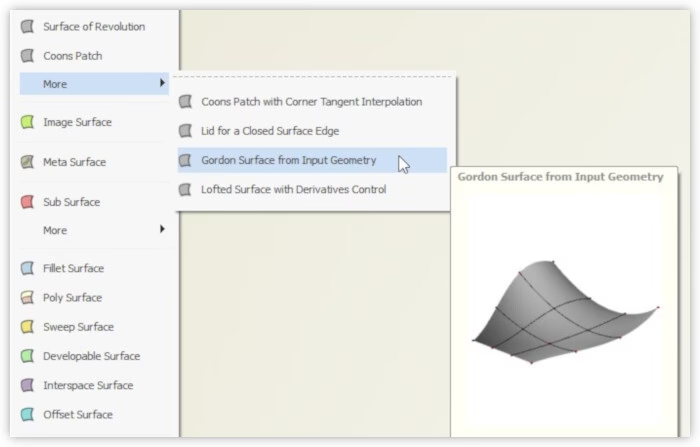
There is an additional feature in the surface more menu, to create Gordon surfaces based on four input boundary curves. This creates a patch and a network of U- and V‑curves between the boundaries. The inner vertices, i.e. the intersection points, can be moved to modify the shape. The feature optionally creates design variables, to slightly move the intersection points in normal direction. Such small changes can help you to fine-tune complex shapes during automated studies and shape optimization runs.
Experimental Phase
This new surface type can be found in the surface menu of CAESES, and is still a first version that is sort of experimental. We are collecting your feedback, to find out whether it satisfies most of our users’ needs. In particular, we are curious to know where it is helpful in your specific application, and what is still missing. Try it out and send us your feedback!
Subscribe Newsletter
Interested in geometry topics such as the Gordon surface as well as in CAESES-related news?