Blade Sections from STL Data
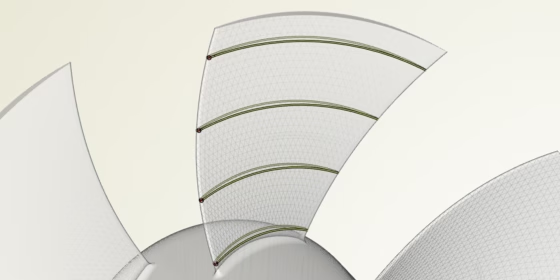
“Can we analyze STL data, e.g. from a 3D scan, and extract 3D blade sections using CAESES?”. Well, this is a question we have heard several times in the last weeks and months. From a product point of view, if several users are asking for a specific functionality, there must be a substantial need for it. So, we started a more detailed discussion with them, to find out what they really want to achieve, and where they want to go in the end.
Why Blade Sections?
It turned out that it comes down to basically two tasks that our users want to solve: First, the analysis of provided STL data, where no CAD model is available. The goal is to obtain the typical geometric definitions from the “dead” geometry, such as
- chord length
- camber information
- thickness
- leading and trailing edge radii etc.
This information can serve as a baseline reference for new and more competitive designs within current customer projects.
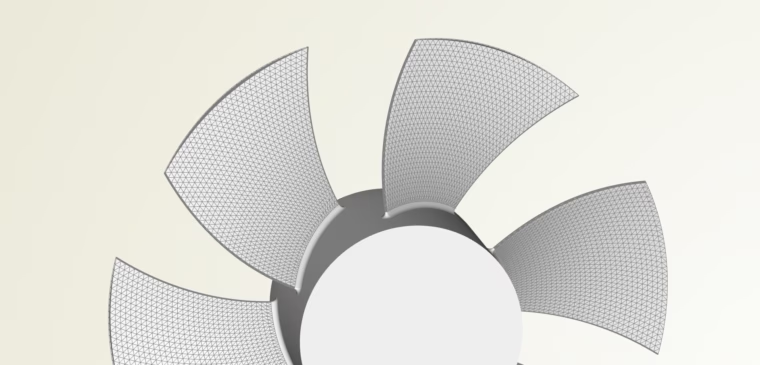
Example STL data, imported into CAESES
The second use case, which often follows the first one, is the fitting of a given parametric blade model to existing data. For a fitting process, you need the target blade sections for least-square routines, where you fit your 2D and 3D model parameters into the baseline blade sections. Since we are talking about discretized point data, our current intersection support for common CAD formats (IGES, STEP etc.) and NURBS geometry could not do the job.
New Command for CAESES Trimesh
We decided to implement a first solution for intersecting STL data, and scheduled it for CAESES version 4.4.2. Luckily, we did not have to start from scratch. CAESES already contains rich capabilities for triangle-based operations, which are centralized in the trimesh object type. Intersecting triangle data is something that can be done already, e.g. using Boolean operations and trimming. Hence, we spent some time on these existing algorithms and added a couple of things, when needed. As a result, we can now offer a new command for the trimesh, which processes the STL data and returns a blade section NURBS curve:
The new routine intersects the triangle-based blade data (called “fan” in the example above) with a cylinder surface or, alternatively, with an arbitrary stream surface. The result is an intersection curve that can be further used for geometry modeling, fitting workflows or geometric analysis processes. Here is a short description of the input arguments:
Stream
Surface of revolution that provides the intersecting cylinder or general stream surface.
Index
Users can control which blade of the rotor is taken by setting an index.
Axis
Since blades often have different orientations in the 3D space depending on the industry and application, there is also a parameter for the rotation axis.
SortByRadius
Finally, for turbocharger or pump impellers, there is the option to sort the start location of the resulting intersection curve by means of the largest radius. Always keeping the logical start position at the same place makes it easier to standardize fitting processes.
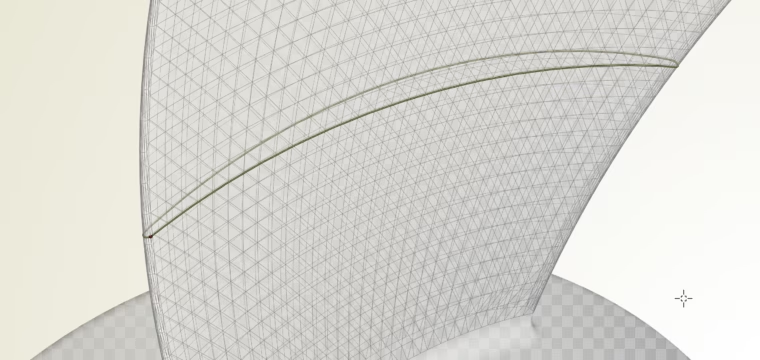
Intersection curve based on the STL data
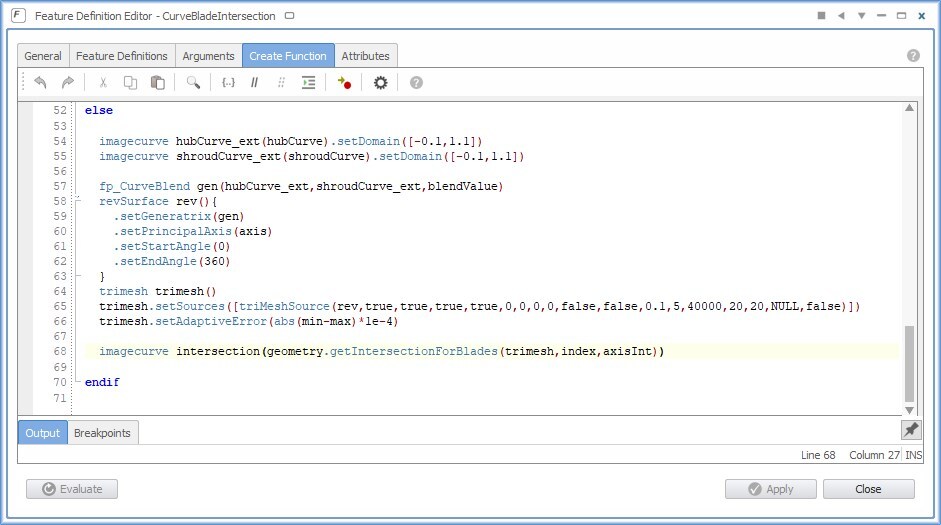
CAESES users can involve this new command in their own feature definitions, e.g. to loop through a set of sections, to automate fitting or surface generation processes, or within image curves in interactive modeling tasks. The following screenshot shows a feature definition snippet where the new command is used:
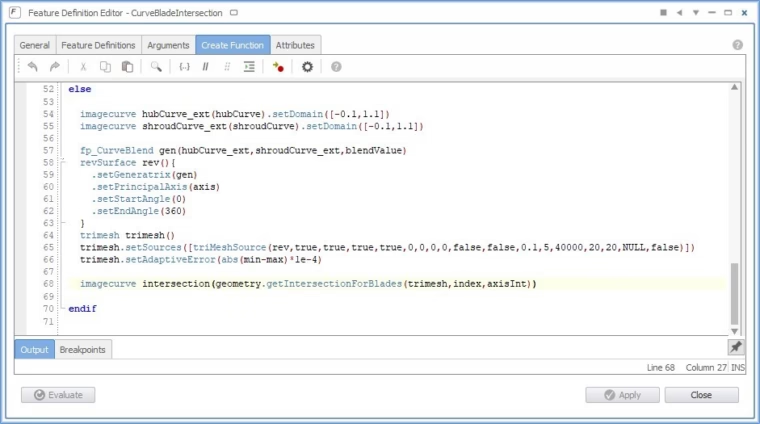
Snippet of a feature definition where the new command is used
Intuitive Creation of Blade Sections
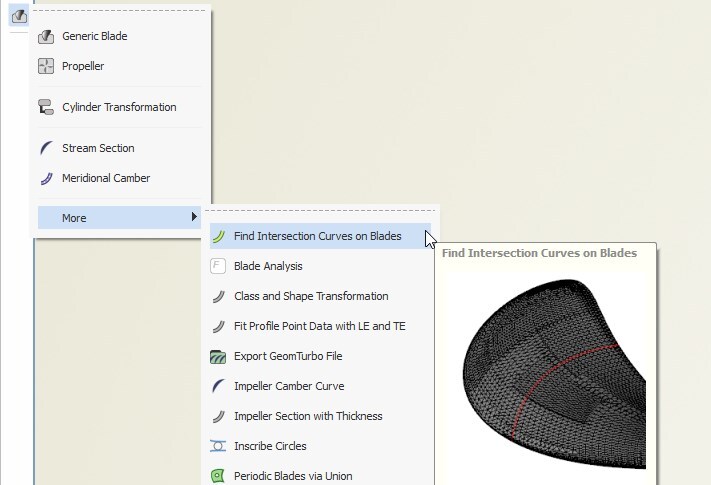
Not everyone likes using commands, and for many quick tasks there is a ready-to-use and simple feature in the blade menu. It creates the sections with a few clicks, while wrapping the command input’s arguments in a nice interface.
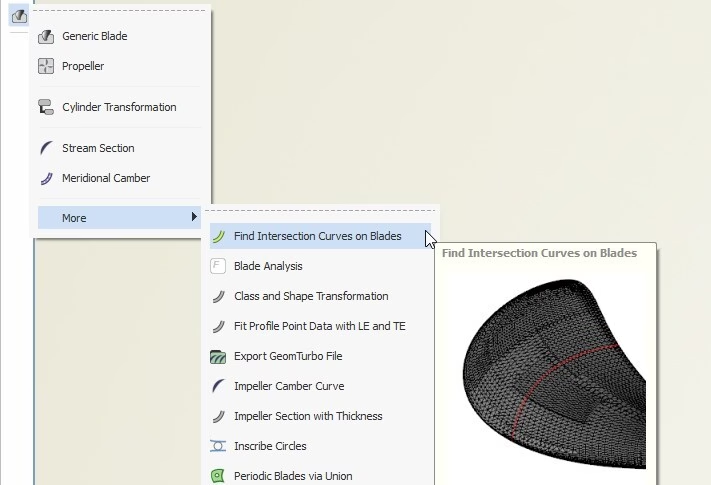
Ready-to-use intersection feature in the CAESES menu
Check out the following video which demonstrates the new blade section capability:
Applications
The new blade intersection routine is applicable for any type of blade such as fans, propellers, pumps and turbocharger impellers. By making the intersection routine available as a command, it is perfectly suited for automated workflows, in particular, to fit existing geometries.
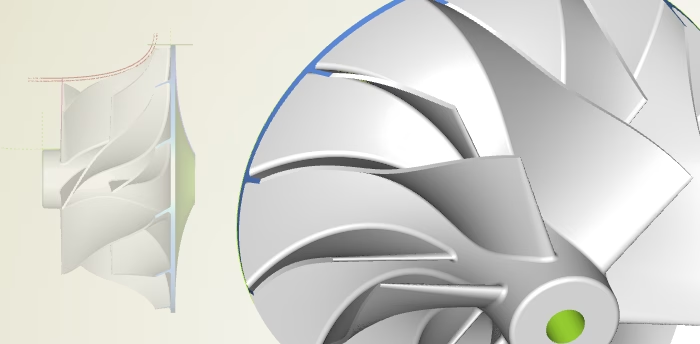
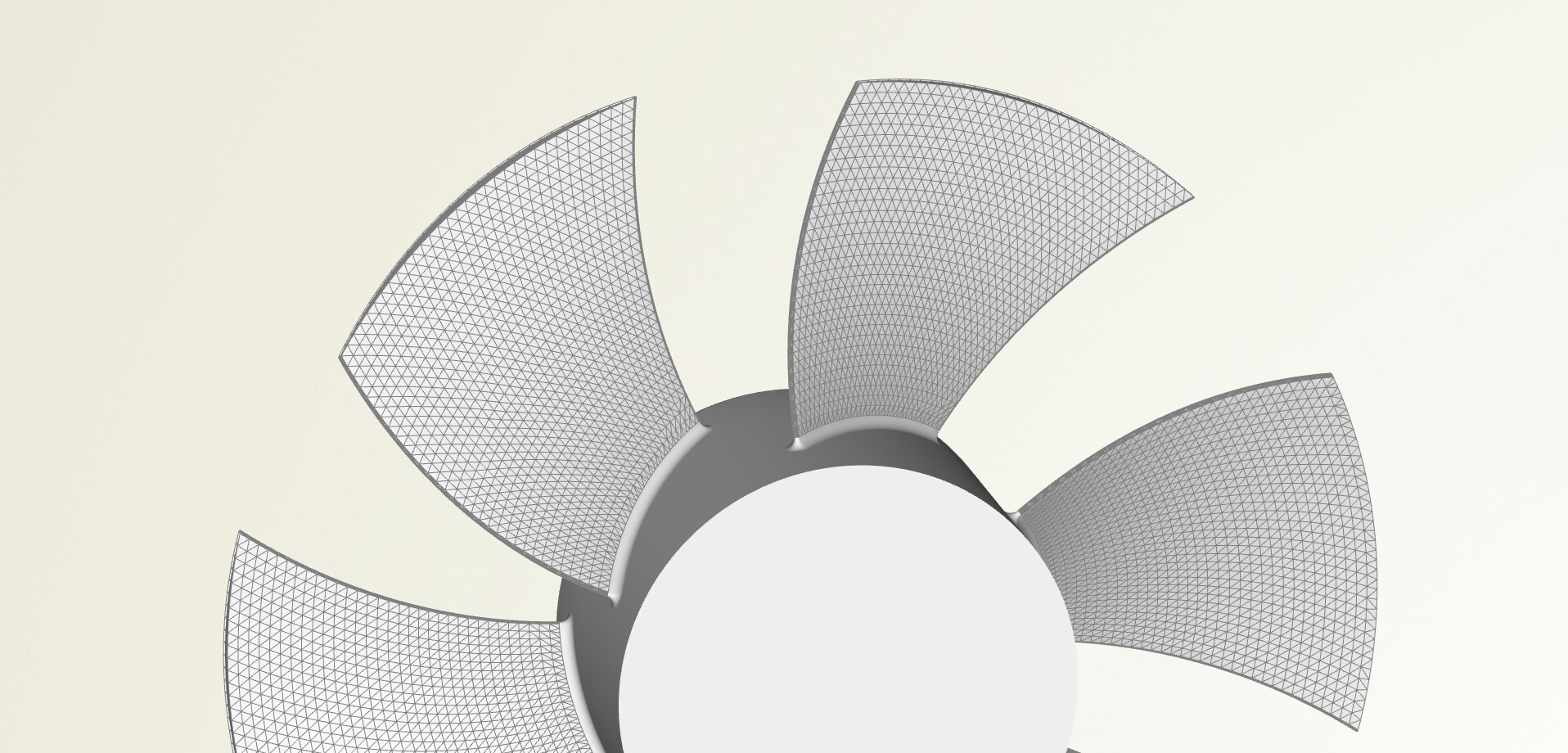
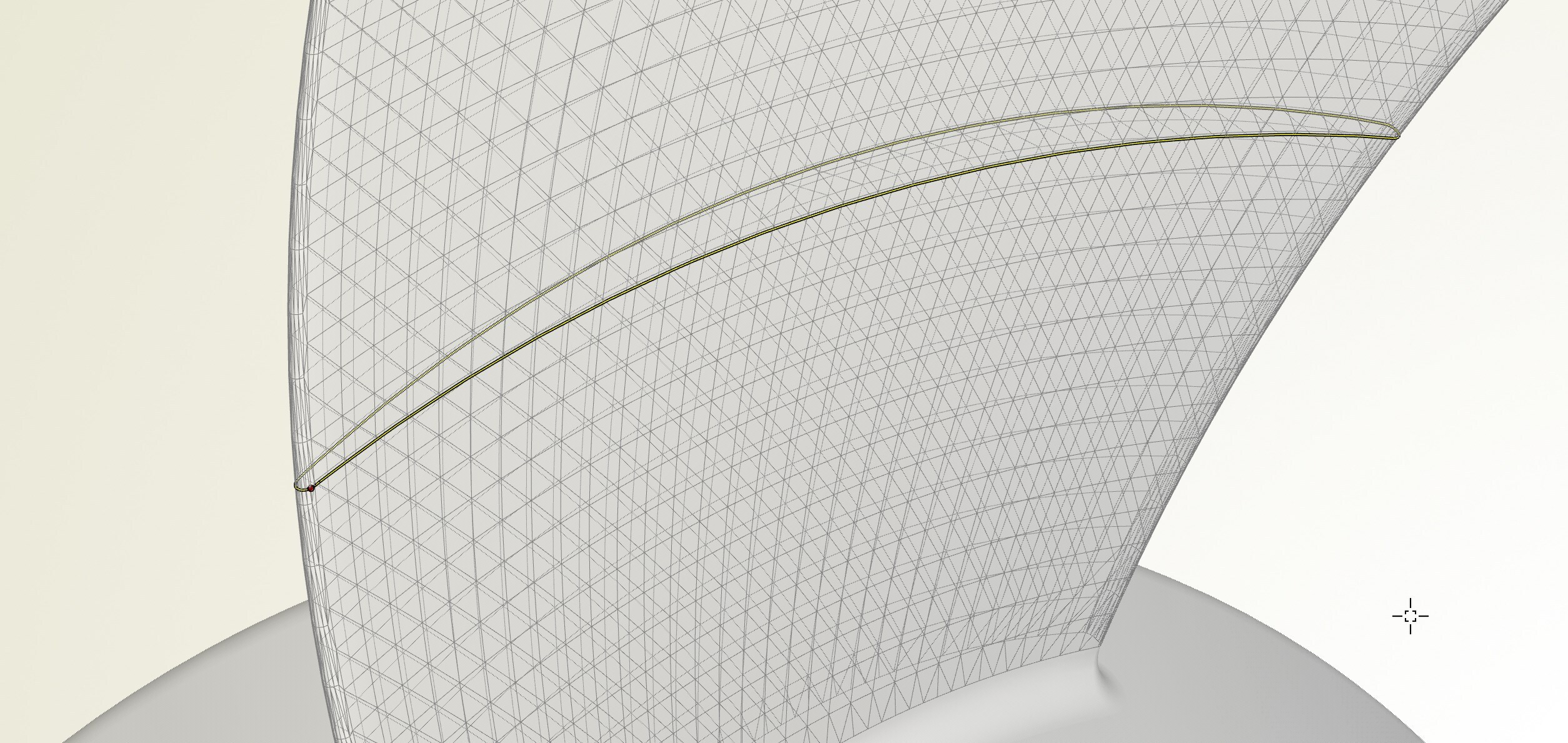
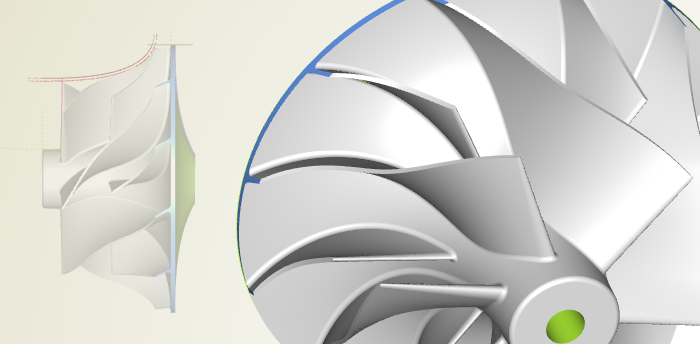
Blade sections and automated fitting for any type of rotating machinery
More Information
We hope you’ll like the new blade section routine — let us know if anything is missing, or if you have any questions.
Check out the turbomachinery section for more information about general blade modeling. If you would like to learn more about propeller modeling for ship hulls, see the marine section.
Subscribe Newsletter
Are you interested in these topics and CAESES-related news? Then sign up for our newsletter!